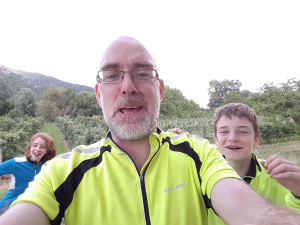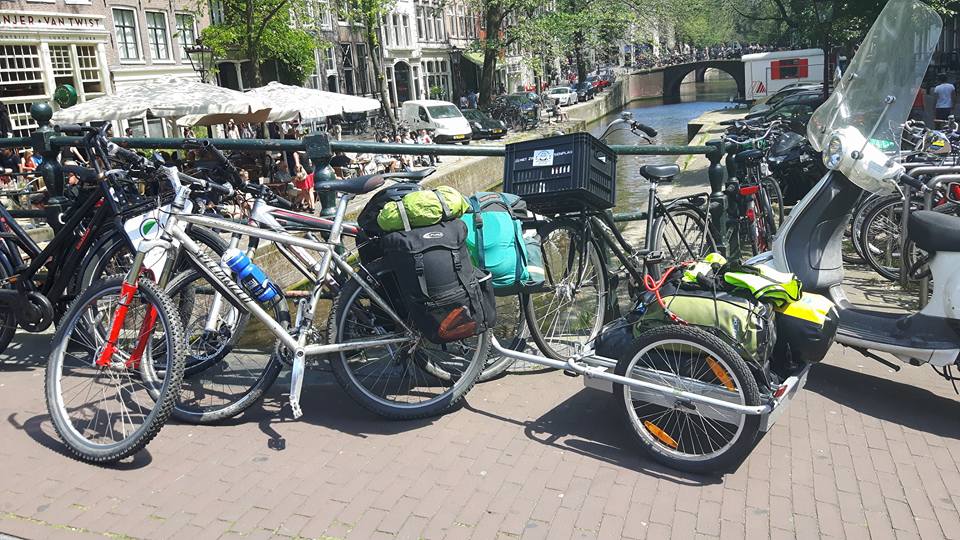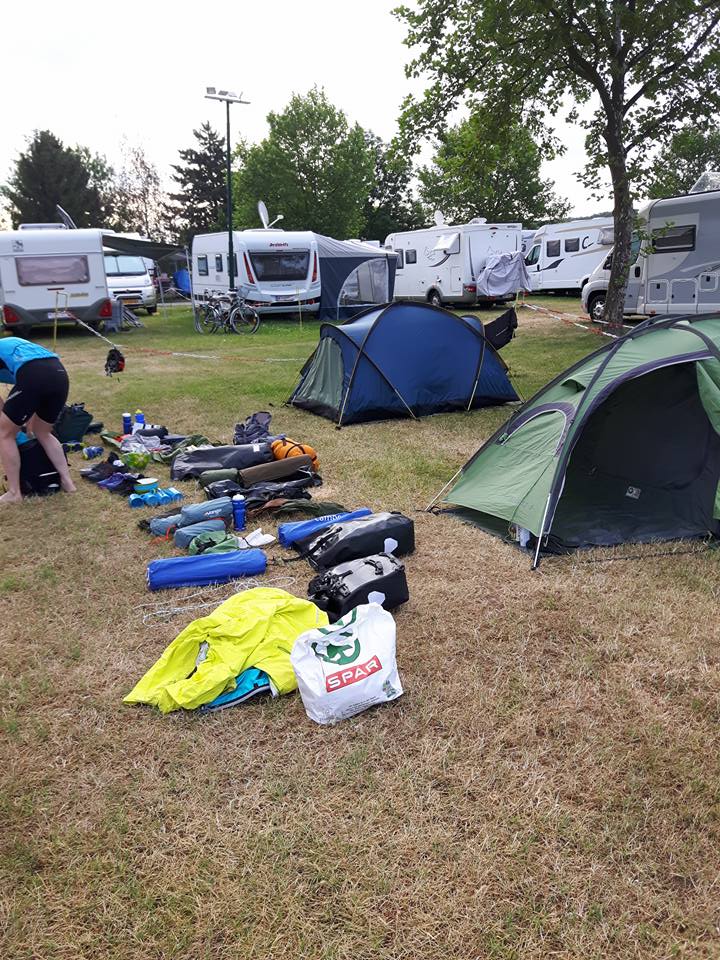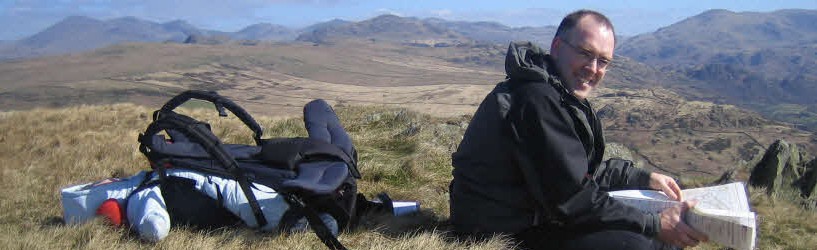

In May 2026 myself and 3 friends did the La Vélo Francette 600km cycle route from Portsmouth to La Rochelle. The route took 10 days cycling and we camped each night. It would make a fantastic first cycle trip. The purpose of this post is to share the info, hopefully inspire others, and give me something to read when I am 90 😊.
The Route
This is our route – https://cycle.travel/map/journey/998894
La Vélo Francette is a well known French cycling route which is mostly on canal “tow paths” or very quiet roads. The French tow paths are much better for cycling than the British ones as they have much better surfaces and are wider.
The most useful guide I came across is this one La Vélo Francette | Full route guide. at Cycle.Travel ( more later ). It starts at Ouistreham which is the ferry terminal 15 km north of the city Caen. The route heads south 600km to La Rochell.
There are also a few videos on Youtube that will give you an idea of the terrain. https://www.youtube.com/results?search_query=velo+francette
| Day | Distance – km | Climb – m |
| Day 1 | 71 | 360 |
| Day 2 | 70 | 550 |
| Day 3 | 85 | 350 |
| Day 4 | 65 | 194 |
| Day 5 | 77 | 165 |
| Day 6 | Rest Day | |
| Day 7 | 86 | 660 |
| Day 8 | 58 | 700 |
| Day 9 | 68 | 370 |
| Day 10 | 52 | 97 |
Difficulty
We all managed the route fine but the weather was fairly kind ( not too hot ). There were definitely steeper bits and on 3 days we climbed over 500m.
We averaged about 70 km per day and generally started before 10 am and cycled until after 6 pm.
It took us 10 days ( including a rest day ) but it would be nice to have the time to do maybe 50km per day and explore the towns and villages a bit more.
We were happy on manual bikes but it would be very doable on ebikes and most of the locals were on ebikes.
The Riders
Four middle aged blokes. Myself ( Sean ) , Phil and Andy started with the overnight ferry from Portsmouth. Andy and Phil were new to cycle touring and I had done a few family tours with kids and a 7 day trip to Ireland in 2023.
Stevie came via Ireland and joined us just south of Caen on the first morning. Stevie has more cycle touring experience.
Our Kit
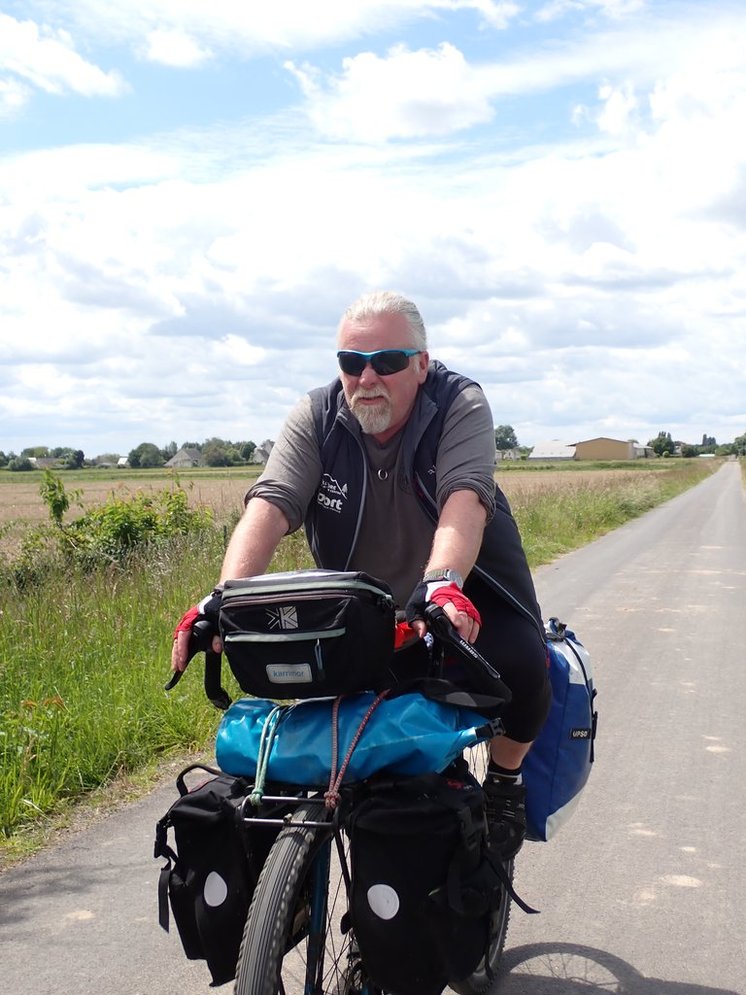
The bikes were all pretty standard gravel bikes / cycle touring bikes. Some were 1x and some were 2x or 3x. All had double racks, 4 panniers and a bar bag or saddle bag. My gearing is a mix of mountain bite and road bike so is very low – I found that very useful ( 26 front chain ring and 36 rear giving a ratio of 0.76 ). The 1x gravel bikes were OK but were harder work. We all had 38mm tyres or wider and it felt that over 50% of the route is well maintained gravel.
We all had tents, 3 x 2 man tents and 1 x 1 man tents. Phil would go for a 2 man tent next time.
I’ll post my packing list below. Most people were similar although Stevie’s coffee press was very nice, as was his stainless thermal flask for milk. We often ended up carrying milk and wine for long periods but we did find that some of the shops listed on Google had closed down.
The weather ( early May ) was cold at night and a 3 season bag, or a layered approach, was definitely needed. I used a 1 season down bag with a silk liner and a zippable Gore-Tex Bivi bag – all inside a tent and all required to be comfortable.
We had 2 Garmins for navigation with phones as a backup where needed.
We had 6 punctures between us although one of the tyres may have been faulty as it had 3 of these. I would definitely recommend looking at tyres like the Schwalbe Maraton Plus.
It is worth noting that we needed cash to pay for three of the campsites.
My bike with me and all of my gear ( but no water ) was 120kg. The panniers and tent were 23kg in total.
If I were doing it again I would take a stainless thermal flask for milk like Stevie did. It doesn’t way much more than a water bottle and can be used for water too.
The Camping
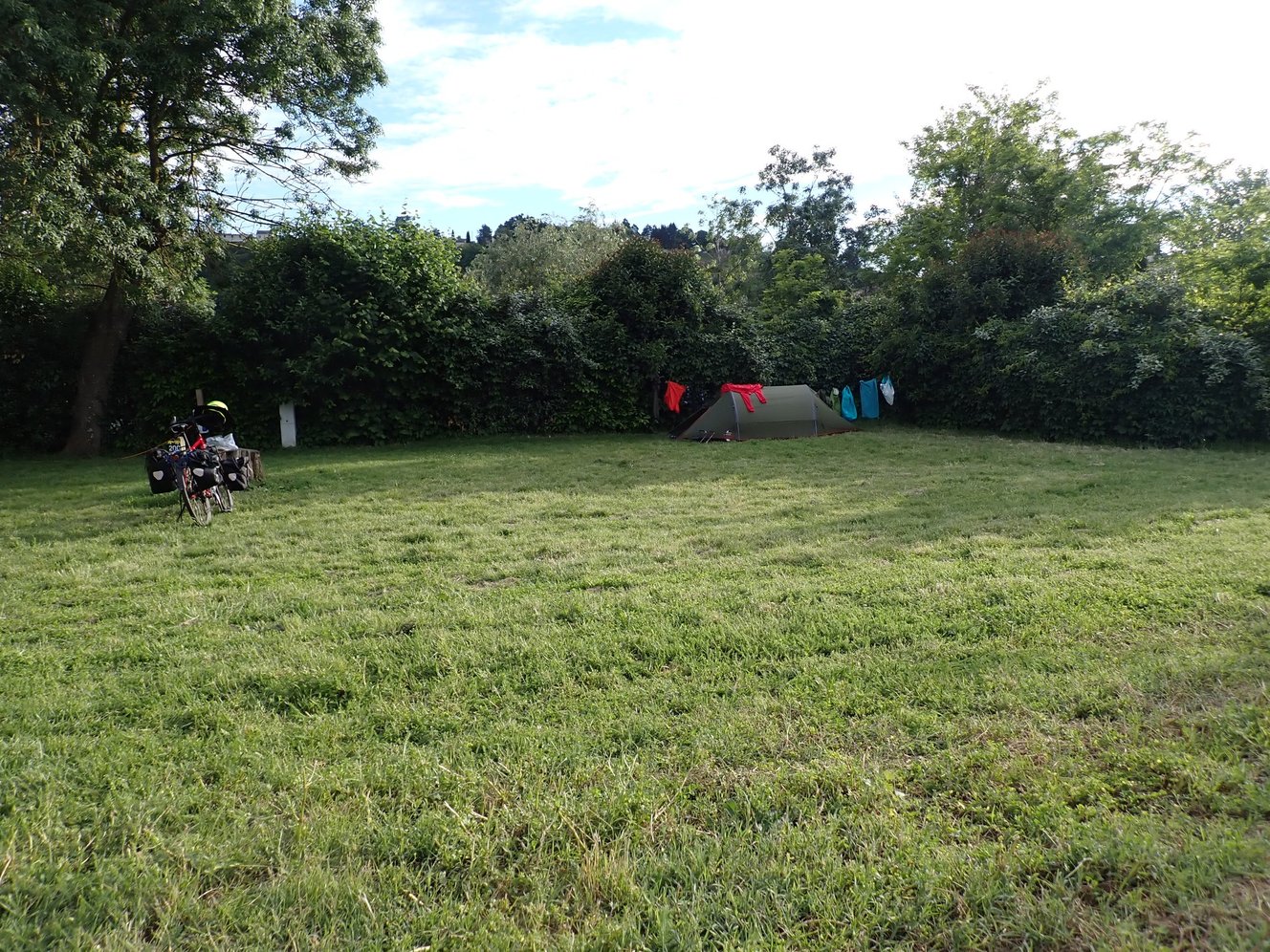
We camped each night ( see below ), mostly using the brilliant Camping Municipal network. All of the campsites were excellent and were less than 10 Euro per person per night. We also stayed in some simple cabins on Day 3 for 15 Euro per person.
We typically tried to reserve camping around lunch time for a 6 – 7 pm arrival. With us being out of season this worked well although we arrived at a couple without having received a confirmation. There were always alternative sites reasonably close.
There was plenty of opportunities to charge devices in the evenings. eBike charging would have been possible too although we would have been a little nervous where we had not been able to contact the camping sites in advance. There are also lots of council “Aire de Camping Car” spots with power but you might need an adapter.
Food
We mostly cooked on the campsites, the exception being Andy’s birthday. Some of the group used specialist dehydrated camping packs and some cooked conventional pasta meals. Most of the campsites had covered kitchens with stoves, pots, and crockery.
Water supplies were OK but I had expected there to be more public drinking fountains. I guess there were public toilets that could be used to get drinking water in some of the towns. We generally found the shops to be better than the UK in terms of choice and value.
Navigation
We used the route posted on Cycle.travel with some minor adjustments.
Cycle.Travel is a free app and web site that I find really helpful for this kind of trip. It is a little quirky at times but it does a fantastic job of keeping you off busy roads ( less of an issue with this waymarked route ) and helping you find find accommodation. The mobile friendly web version is more powerful and allows you to split the route into multiple days ( this multi-day bit might need the paid subscription ) and to find accommodation easier. You can move between the app and the web version fairly seamlessly but you will need internet access for the web version. We also realised about half way through the trip that you can download the route on the app to use disconnected with no signal ( try swiping right on the saved route name ).
At the start of each day we shared the route via WhatsApp ( web link and GPX file ) and transferred the route to the Garmin units. We still needed to use our phones occasionally to show a higher level overview or find shops. Data coverage was generally very good although one of the phones was initially not getting data so always have a fall back of some sort – the route is pretty well sign posted.
Day 0 – Portsmouth
Phil came to Portsmouth by train while Andy an myself drove down. We parked at St Mark’s Church Car Park using Just Park. ThIs is a 5 – 10 minute cycle ride from the ferry port and well priced. The ferry was very straight forward departing at @23:45 and getting in @05:30 local time.
I managed to drop a glove at the beginning of the ramp but one of the passengers saw it and the staff very kindly retrieved it for me about 20 minutes later.
I have probably caught 300+ ferries in my life and this was the closest one yet. We arrived with 10 minutes to spare, I am normally one of the first in the queue 🙂
Stevie had already arrived in France from Ireland and wild camped just south of Caen.
Day 1 – 11th May – Ouistreham to Pont-d’Ouilly – 71km – 360m climb
Our first day in France. We got breakfast at the Hôtel du Phare next to the ferry terminal, it was the only place open but was friendly and good value. The weather was OK for cycling and the 15km riverside route from the ferry at Ouistreham to Caen was a nice introduction.

Caen was nice and easy to cycle through.

We proceeded down to Saint-Martin-de-Fontenay ( @25km ) where we met up with Stevie and did a food shop. I had plotted the route to take in some of the villages near the official route but we stuck to the river as it was quite nice and climbing up to the villages seemed hard work !

I booked the camping municipal at Pont-d’Ouilly at around lunch time and we got there @6pm.

This was our first Camping Municipal and was very good. We tried the local beer at Bar de l’Isle beside the bridge. There was also a nice boulangerie to the east of the river.
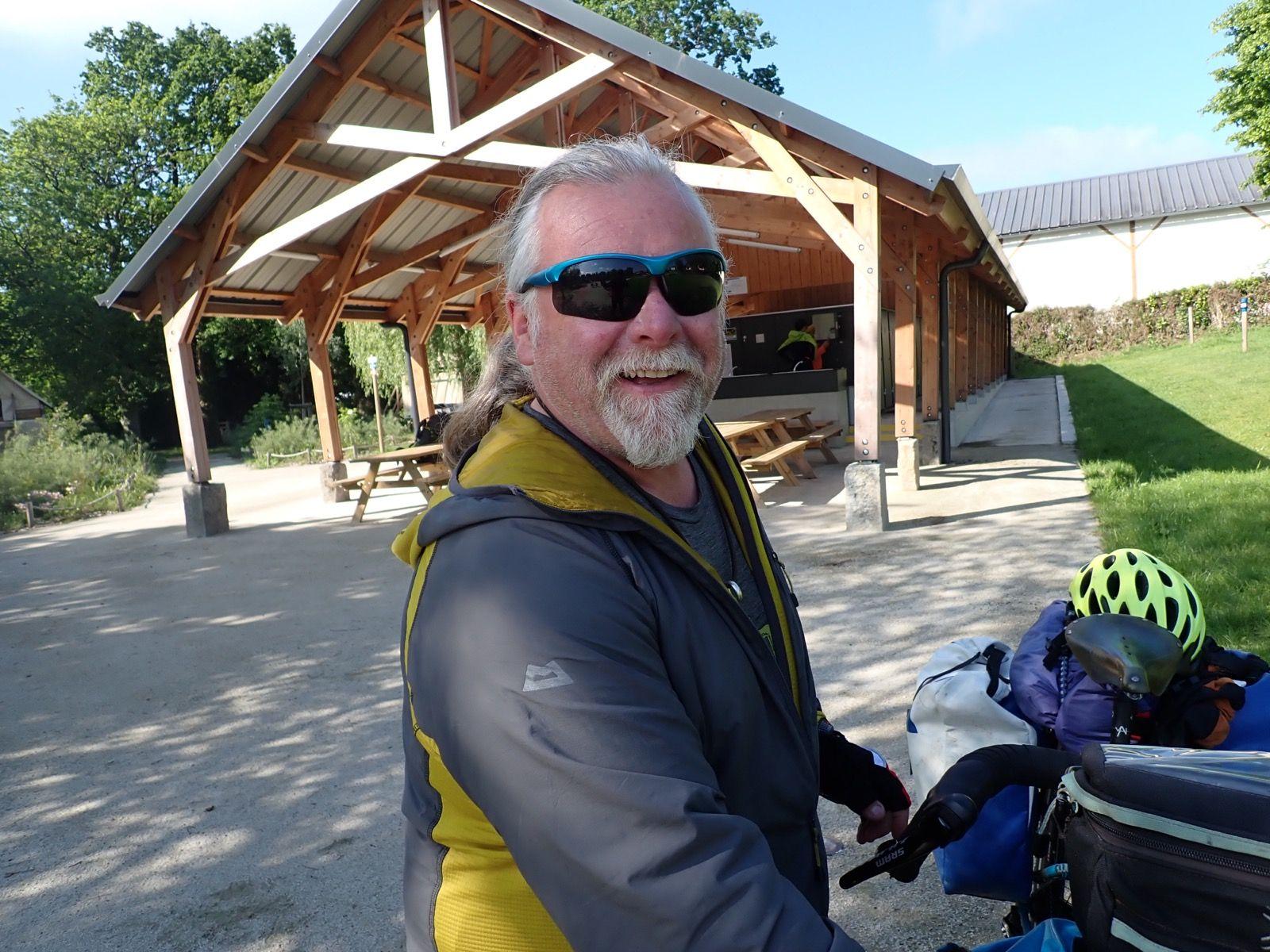
Day 2 – 12th May – Pont-d’Ouilly – Saint-Fraimbault – 70km – 550m climb
We set off for the Camping Municipal-Les Chauvières in Saint-Fraimbault. This was slightly off the route but the campsite and the distance looked good. The receptionist at the campsite in Pont-d’Ouilly rang ahead to book for us.
This felt like a reasonably hilly day as we got used to cycling with panniers.

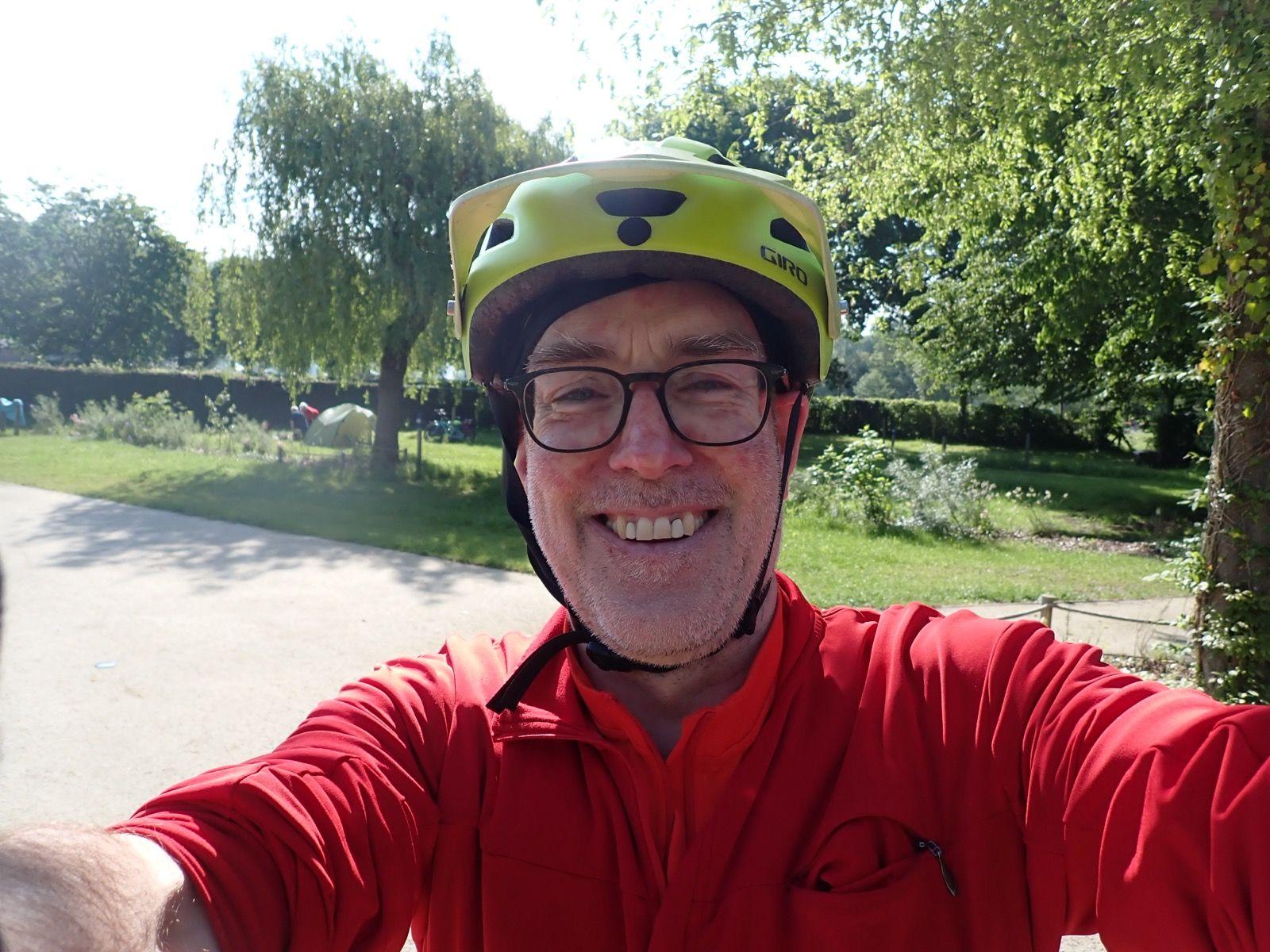
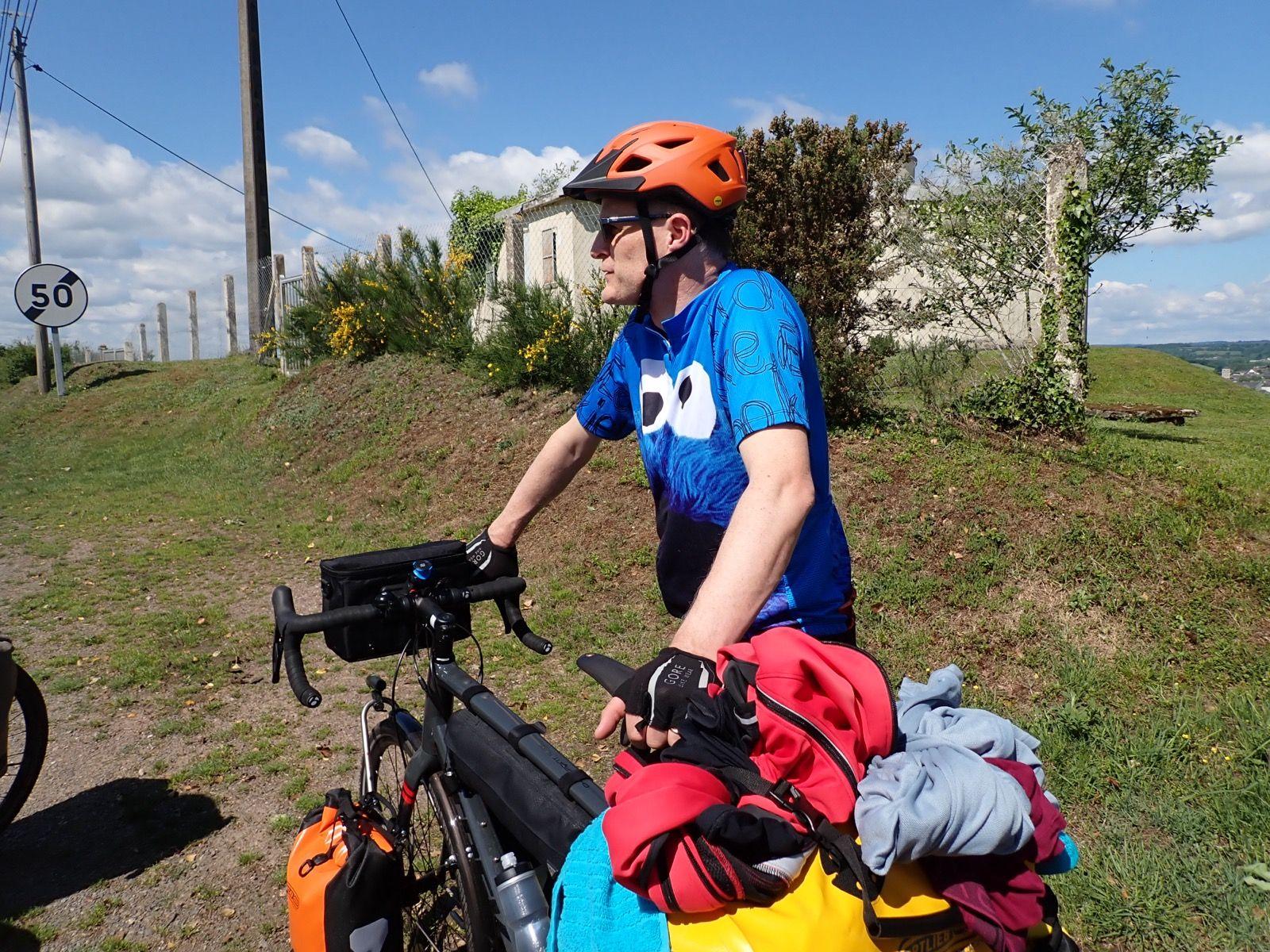


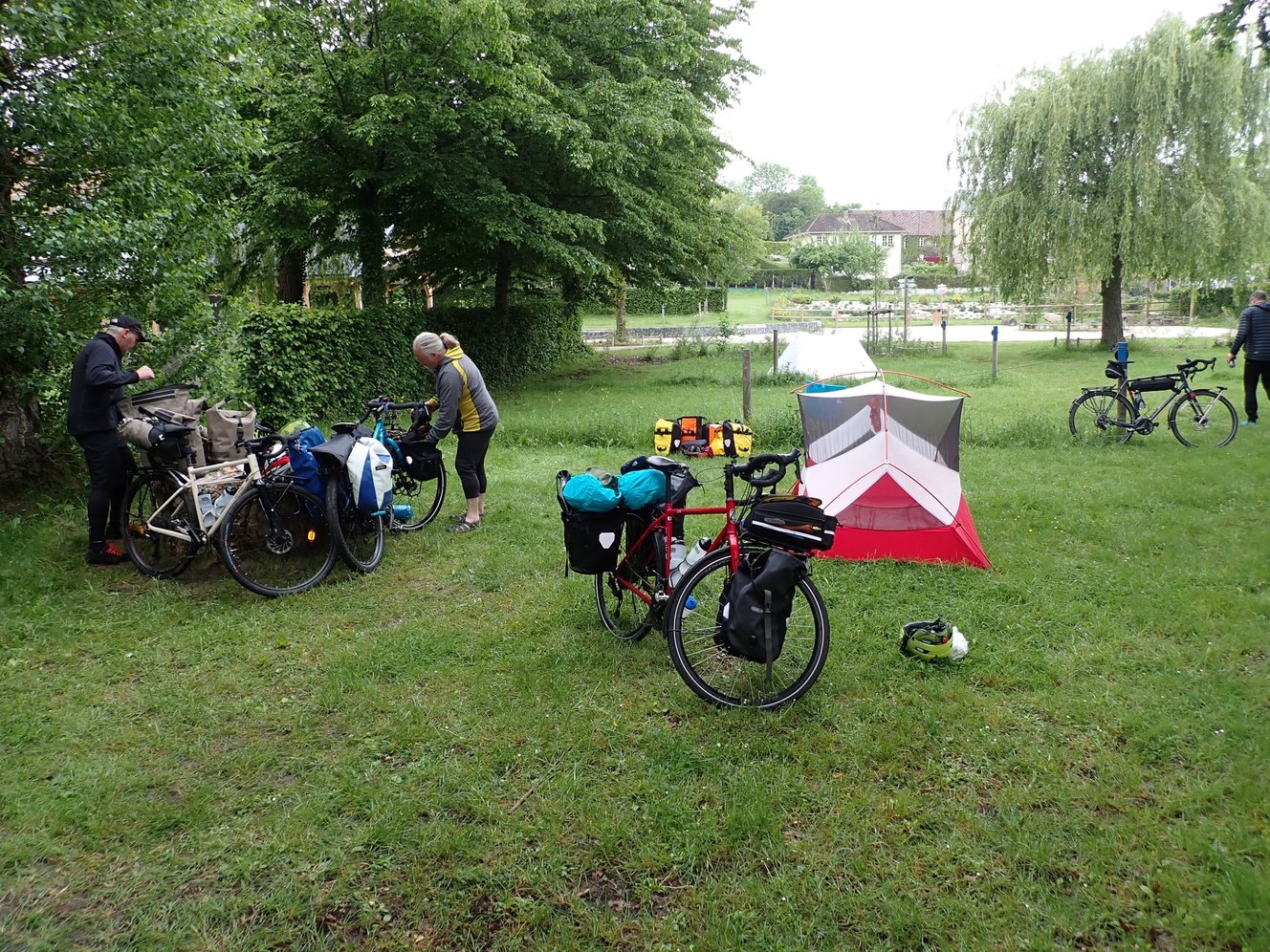
The campsite was almost empty and the office was closed. We needed cash to pay via a drop box. A lovely French couple were very helpful.
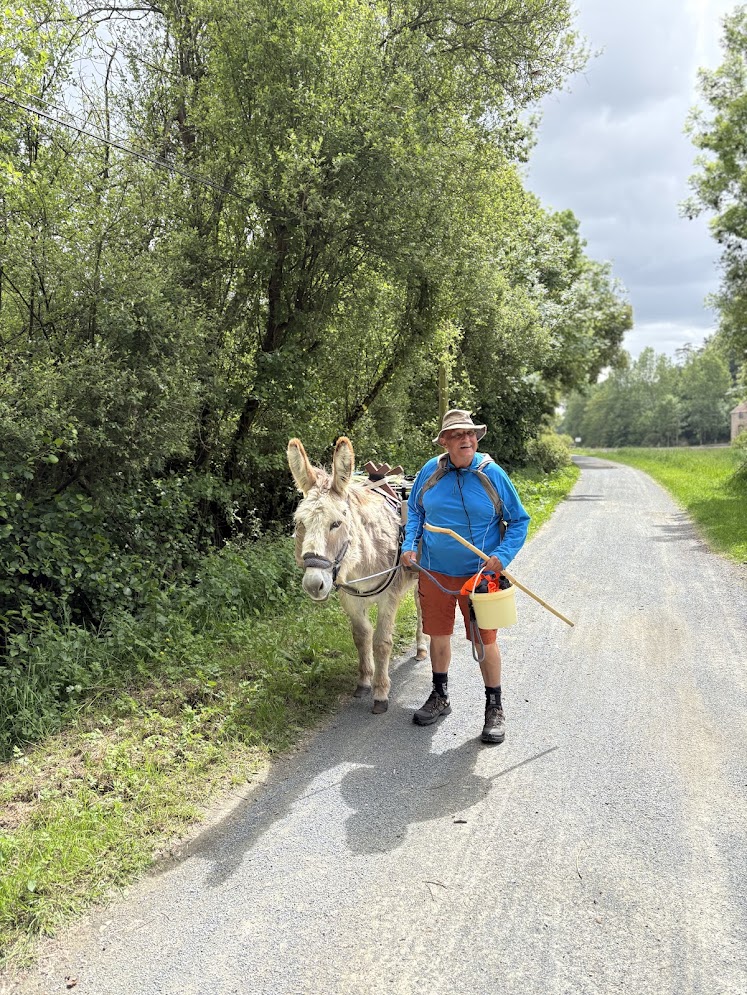
We passed a chap who was walking the route with a donkey.
Day 3 – 13th May – Pont-d’Ouilly – Cabanes municipales d’Origné – 85km – 350m climb
This was a long day but ended at a lovely set of “Cabins” and a very quaint local restaurant – https://maps.app.goo.gl/iF6YaKgT7VbuoAGu8

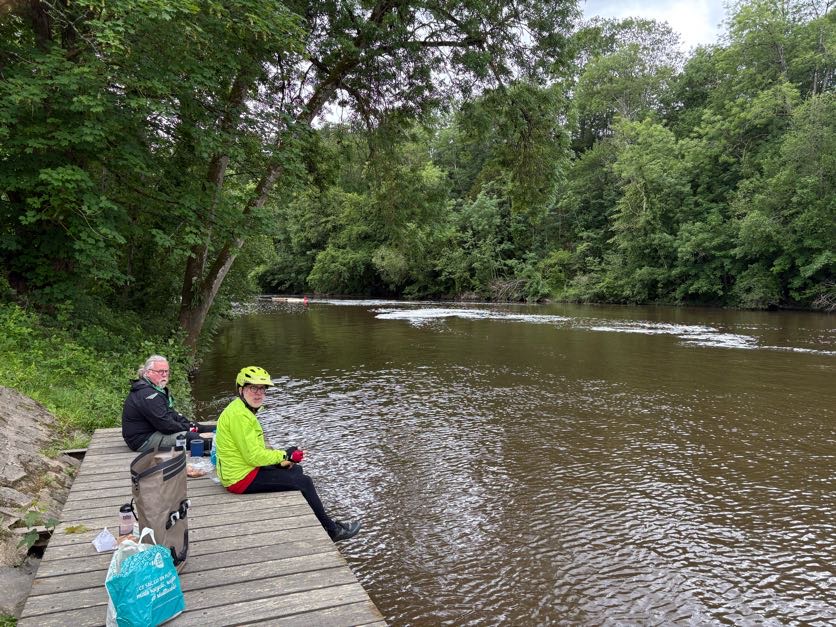

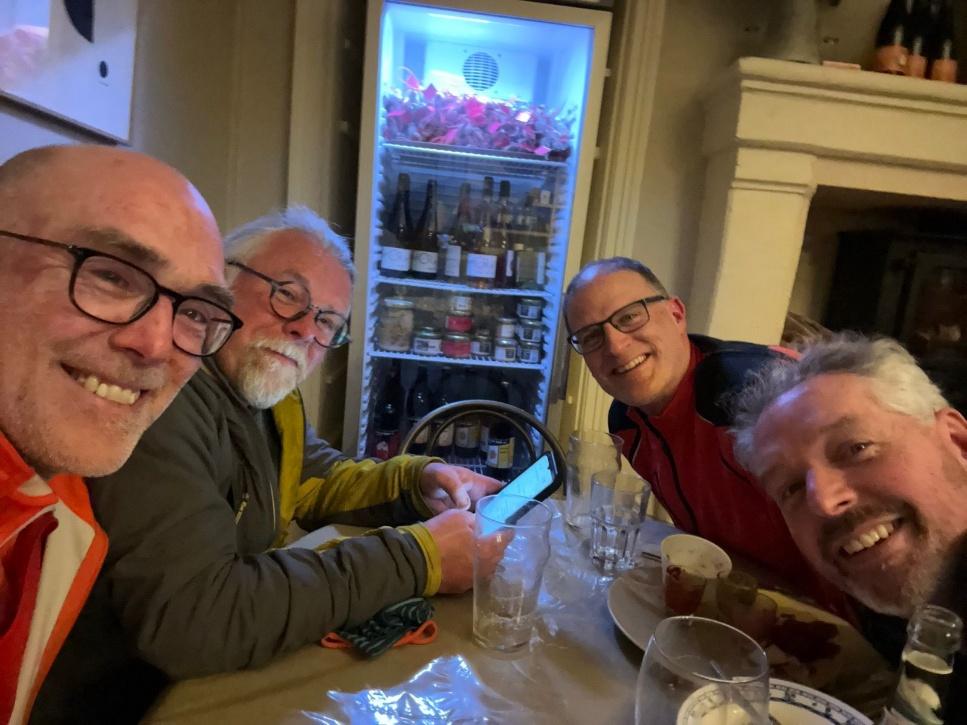
The weather forecast was poor and on cycle.travel I had spotted a set of cabins that were available to hire from the local council online. These were next to a lovely little restaurant, almost more like someone’s front room. The host was extremely friendly and even offered to get us bread from the boulangerie first thing in the morning. One of the nicest days on the trip.

Day 4 – 14TH May – d’Origné – Montreuil-Juigné – 65km – 194m climb
We cycled from the huts to a large campsite by the river at Montreuil-Juigné. The campsite was nice and had quite a few cyclists but the facilities were a fair distance away as the campsite often flooded during the winter and the buildings were at a higher level.

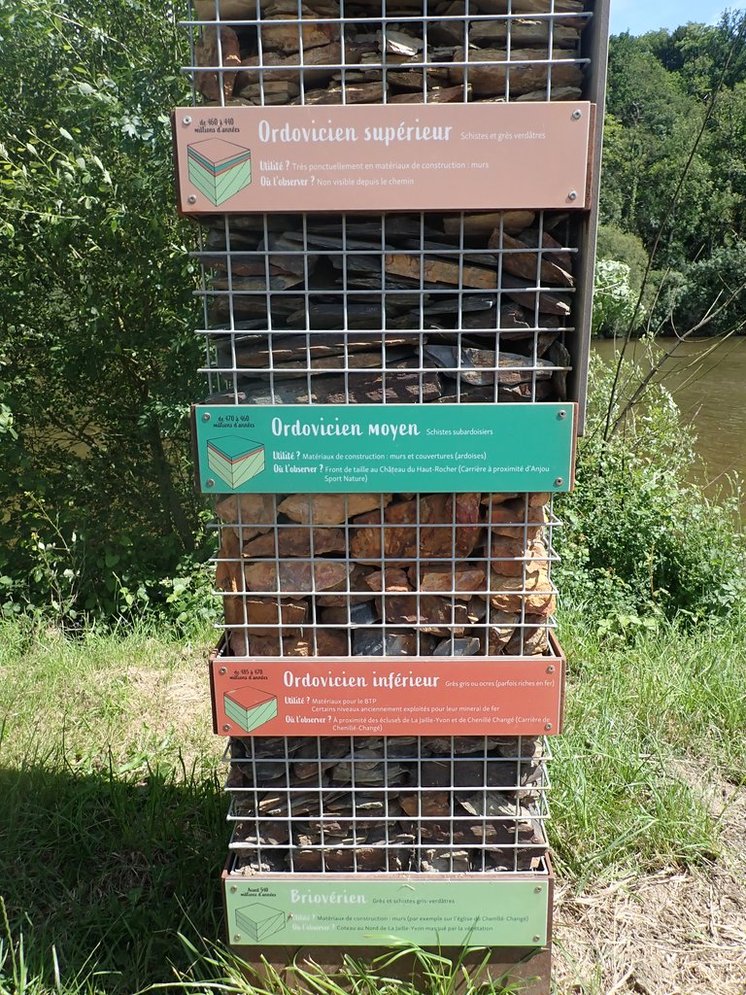

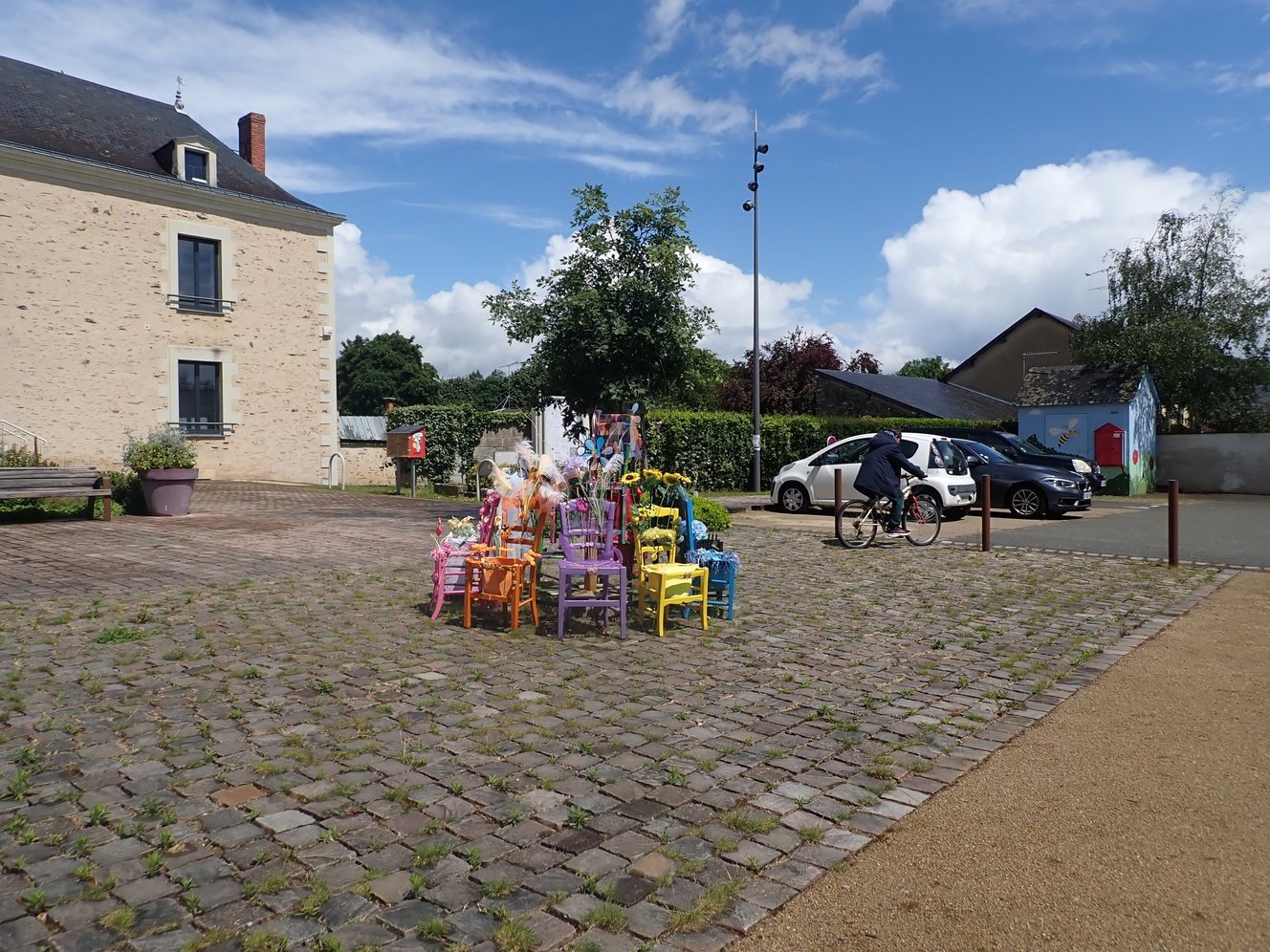
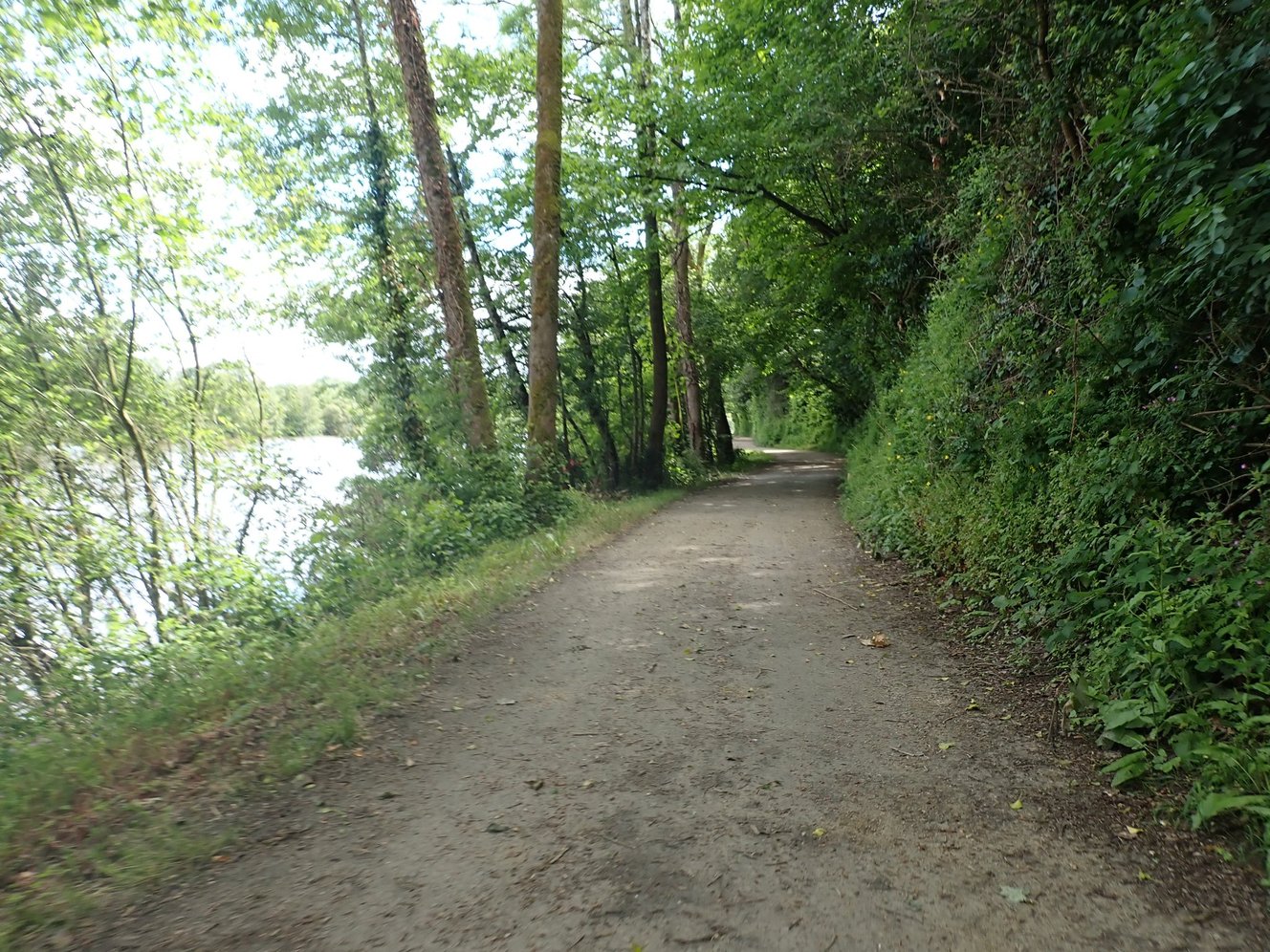

The town was busy with a market and there was a lovely Boulangerie for fresh bread in the morning.
Day 5 – 15th May – Montreuil-Juigné – Saumur – 77km – 165m climb
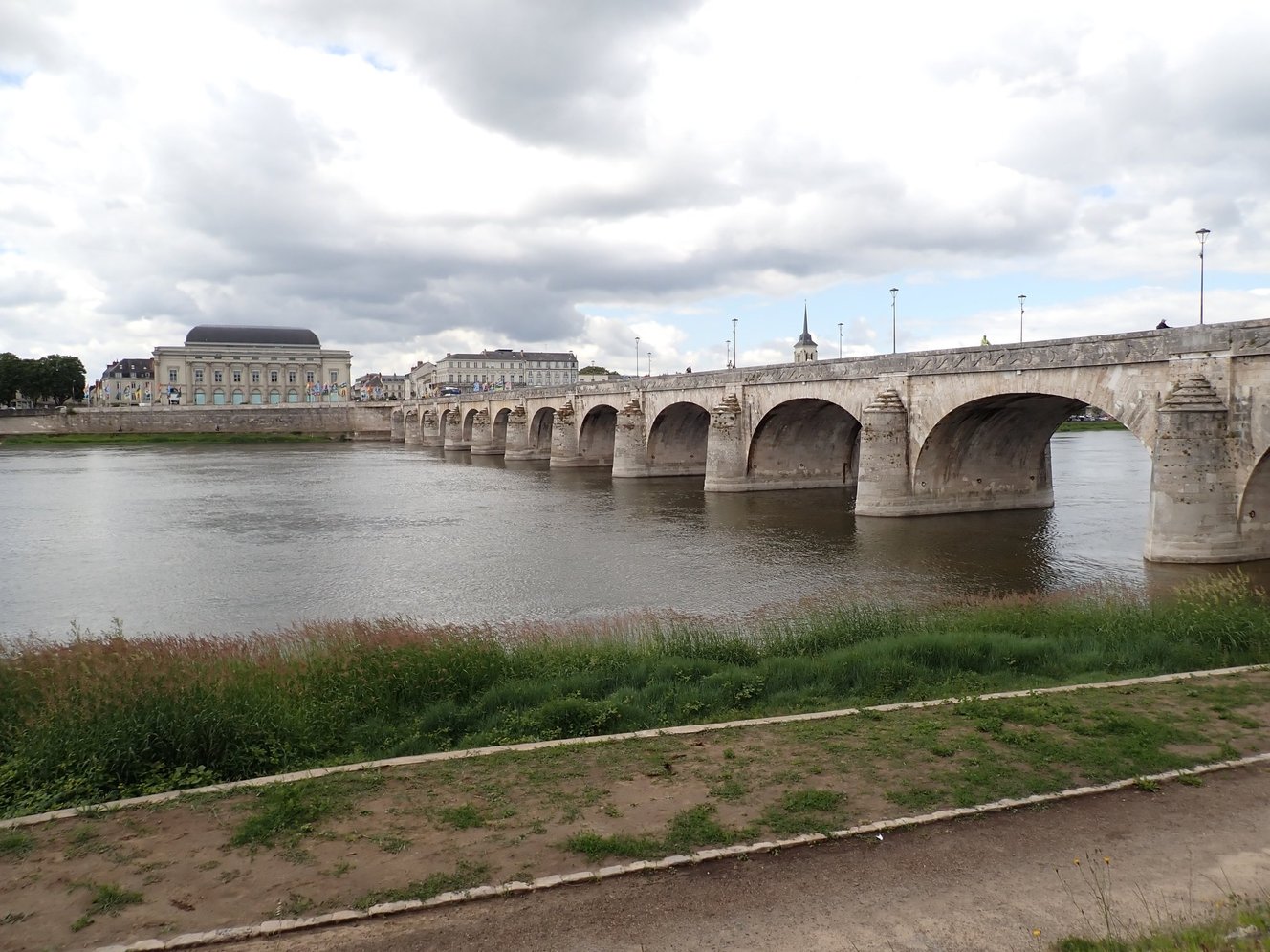
Saumur is a large town which is nice and attracts a lot of tourists. We had planned a rest day here and it was also Andy’s birthday.

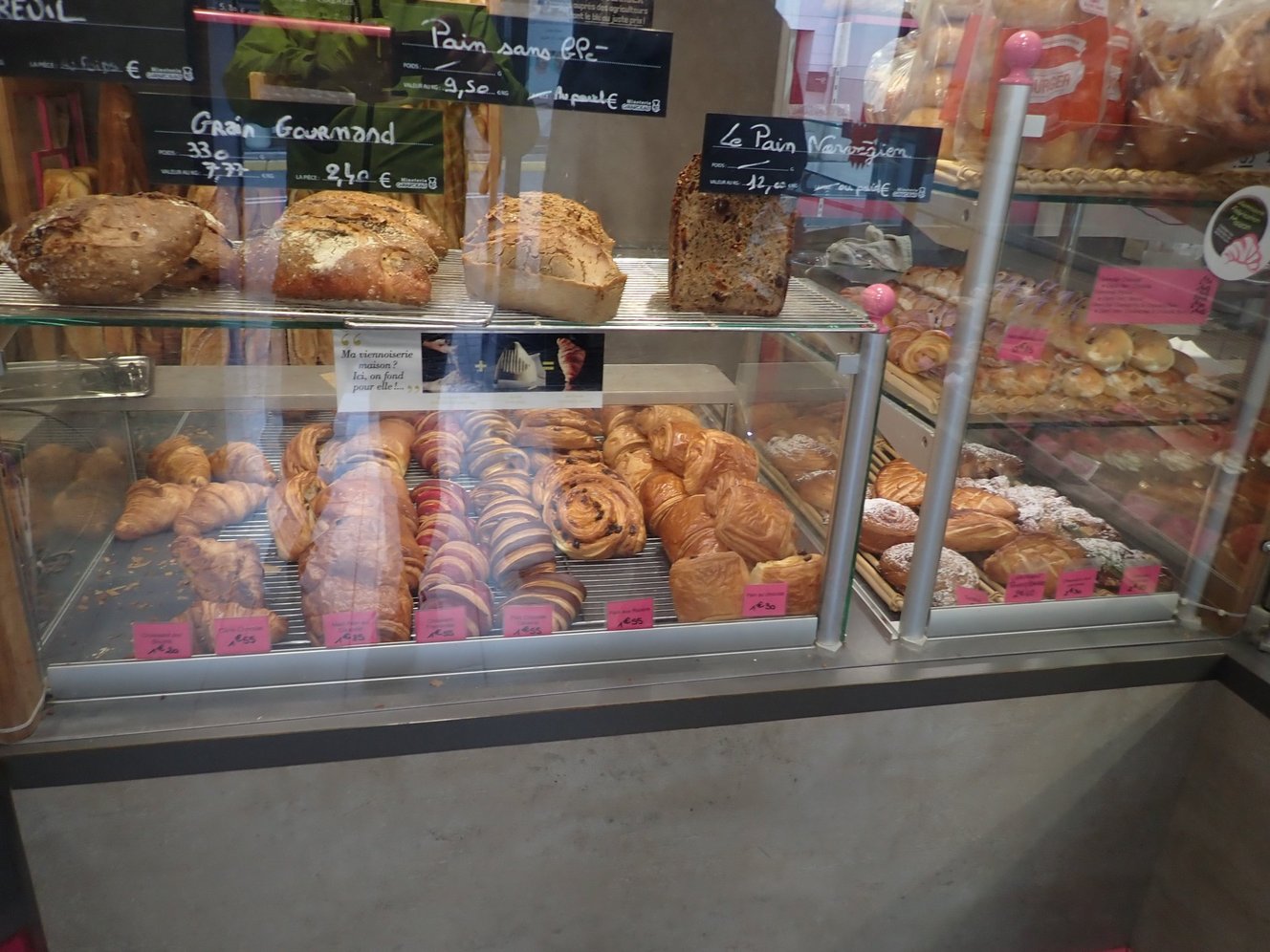
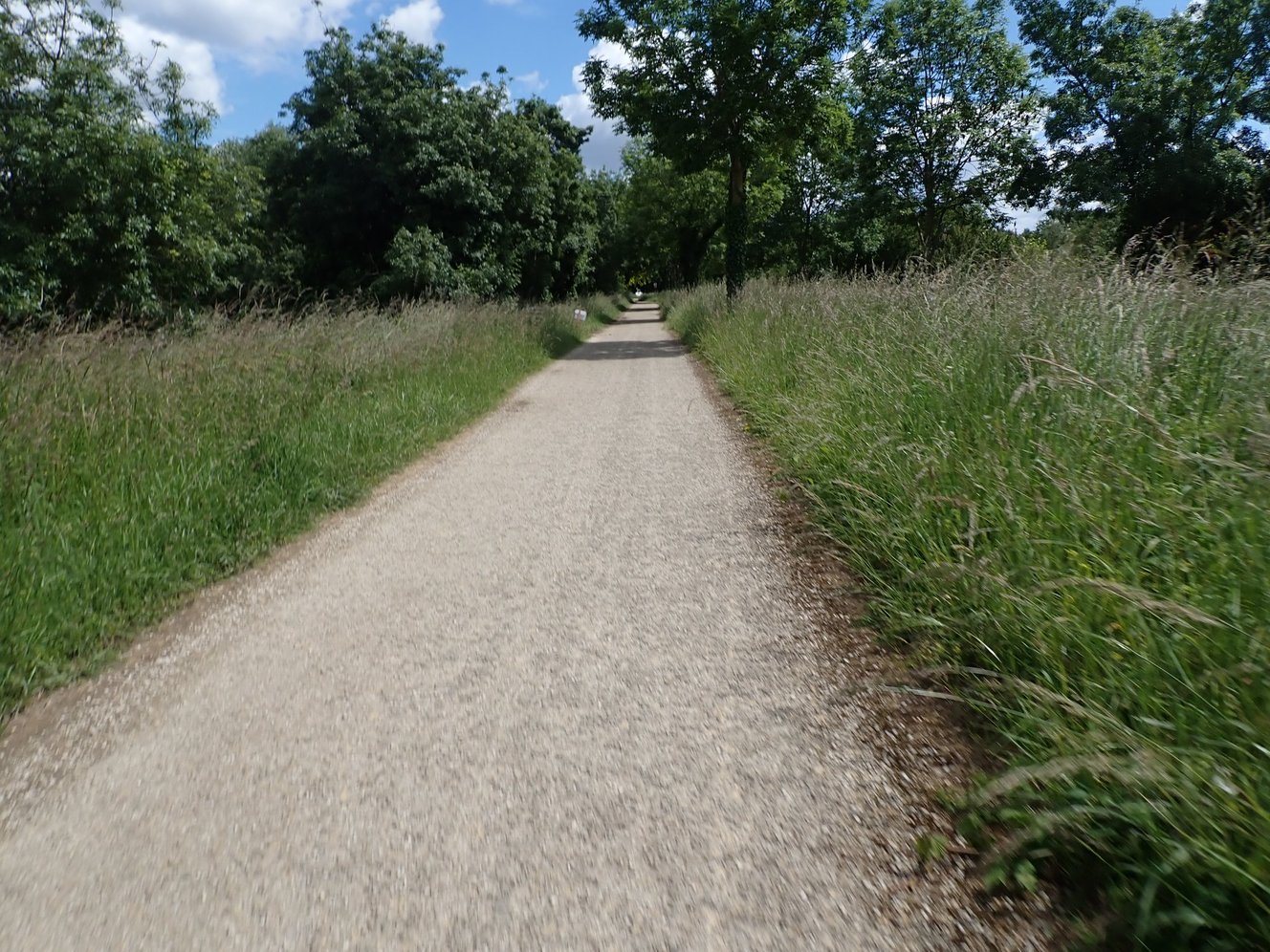


Day 6 – 16th May – Rest Day Saumur
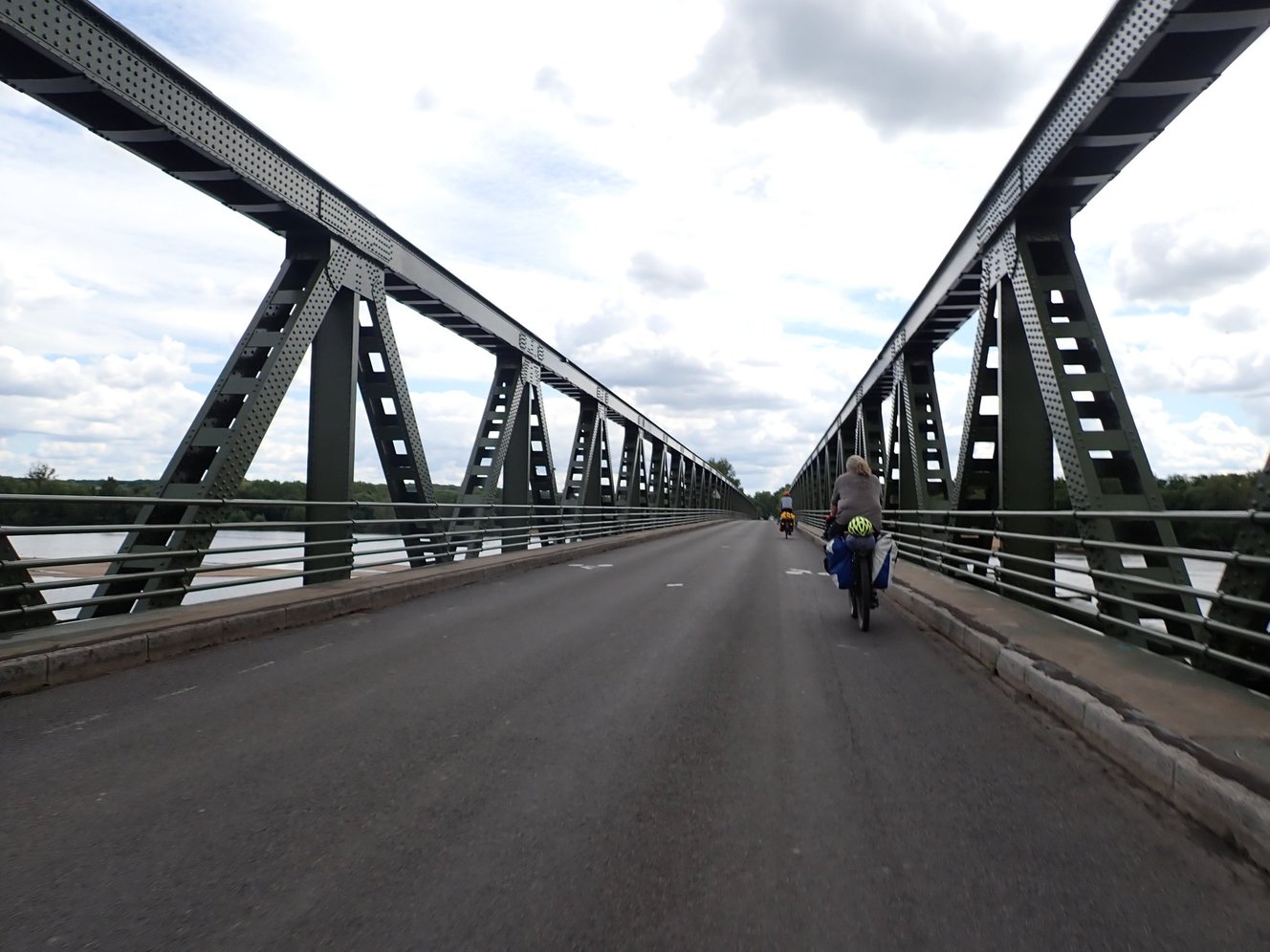
Saumur was perfect for a rest day and to celebrate Andy’s birthday.


Day 7 – 17th May – Saumur – Cebron – 86km – 660m Climb
Day 7 was an eventful day. Phil cut his finger quite badly at lunch time and had to check to see if it needed stitches. The local hospital listed on Google and Cycle.Travel had been closed a number of years ago and all that remained was a Psychiatric Unit. The staff were very friendly and treated Phil’s finger but he couldn’t continue to cycle and had to get a taxi to Niort where he got a train to the end of thre route in La Rochelle ☹️
The campsite at Cebron was another community based site with fantastic facilities but the staff only worked Monday – Friday so we were unable to get a confirmation before we arrived on a Sunday. We stayed anyway but were very lucky that there was already another camper who gave us access to the toilets and kitchen area.


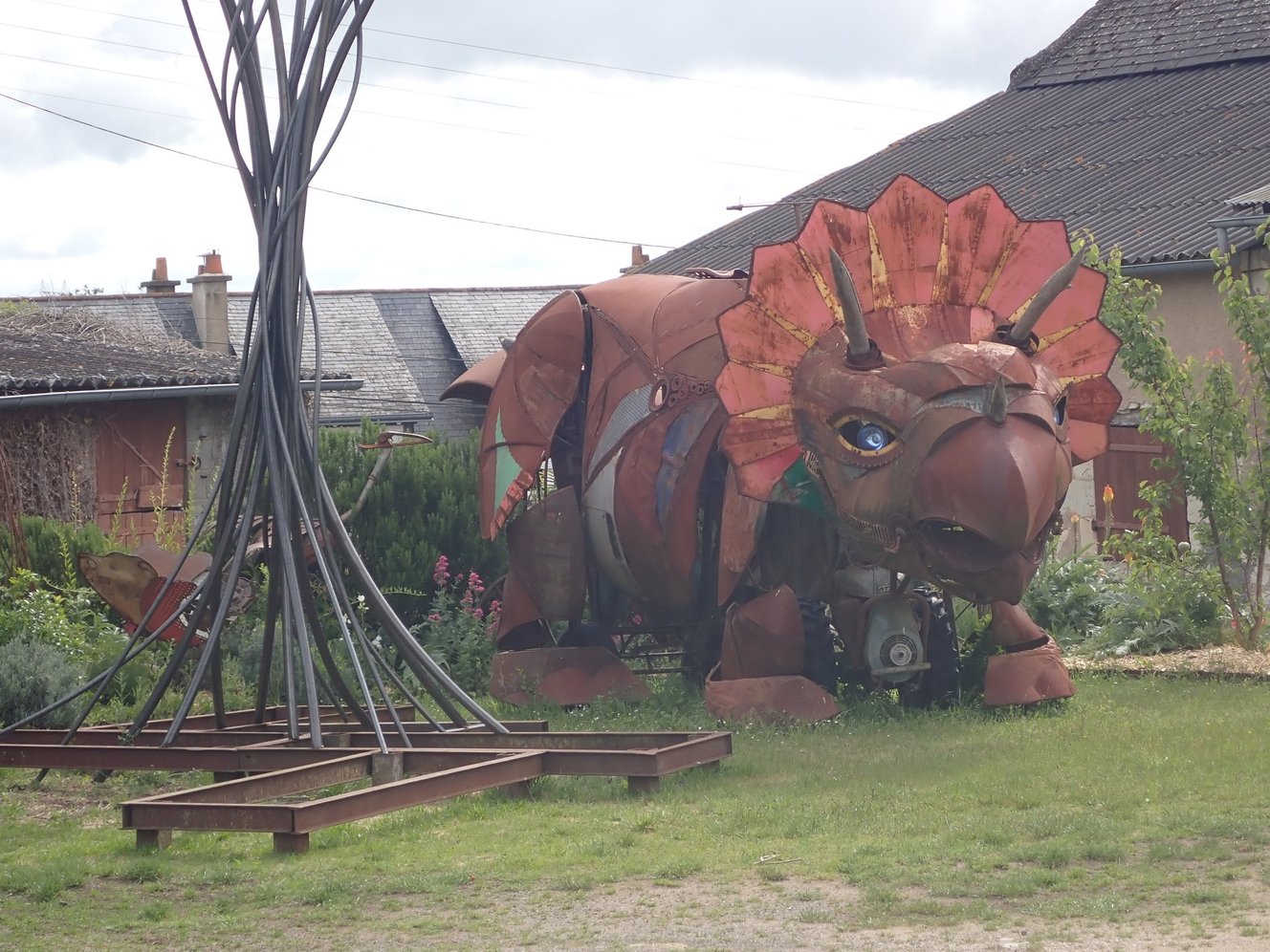

Day 8 – 18th May – Cebron – Champdeniers – 58km – 700m climb
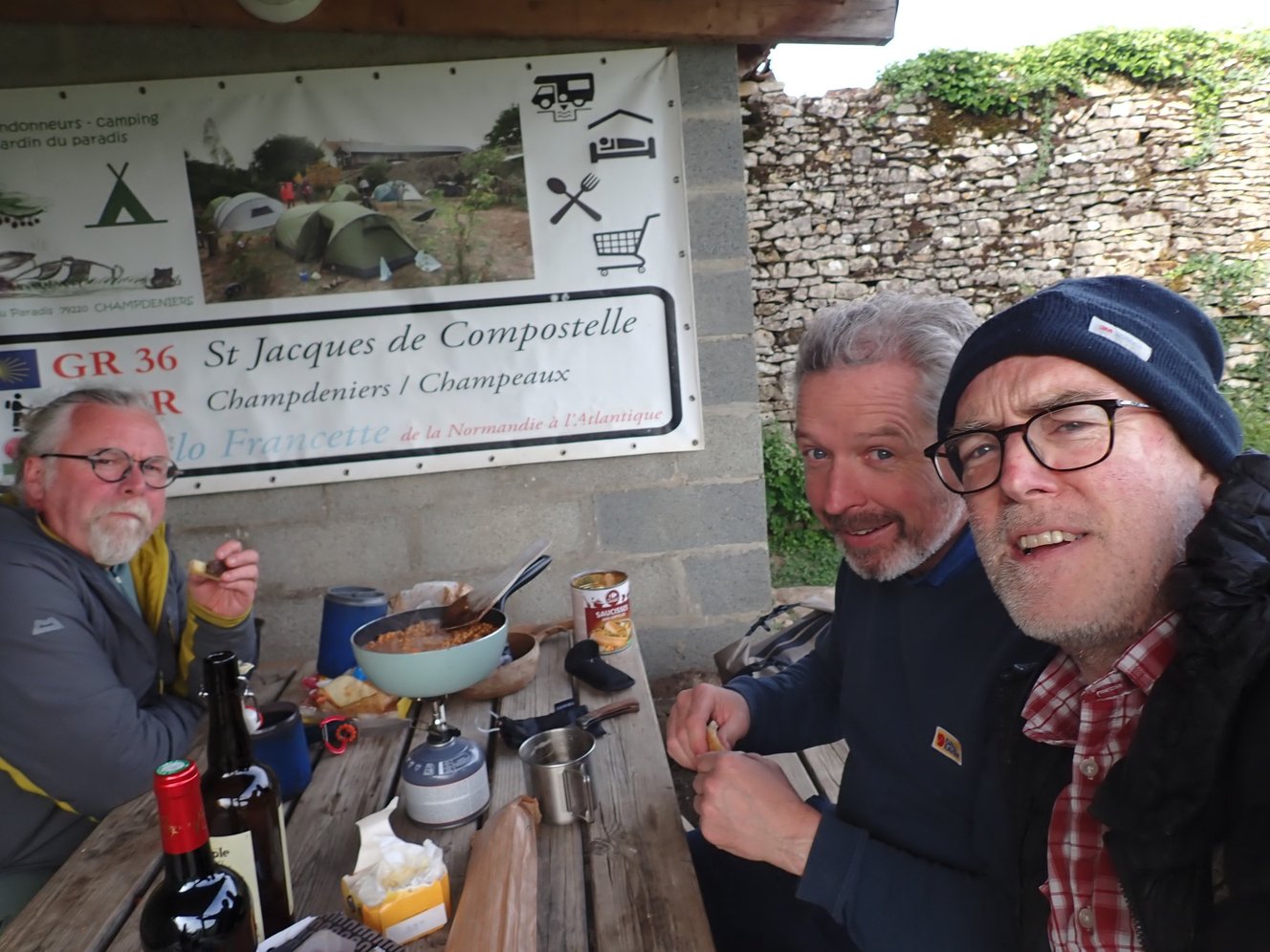
This was a nice day with a lovely campsite at the end. Camping du Jardin is a council run site which is a bit more like someone’s garden. There are good facilities for cooking and charging but the toilets and showers are nearby on a separate street.
As odd as it sounds it was probably the best camping experience on the trip.
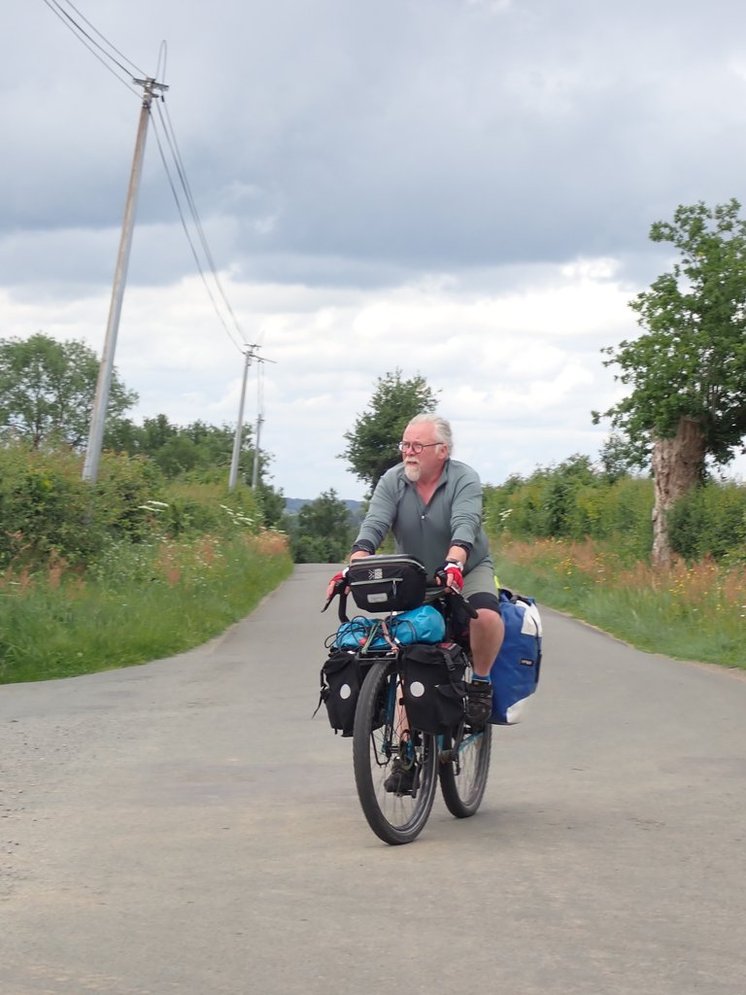


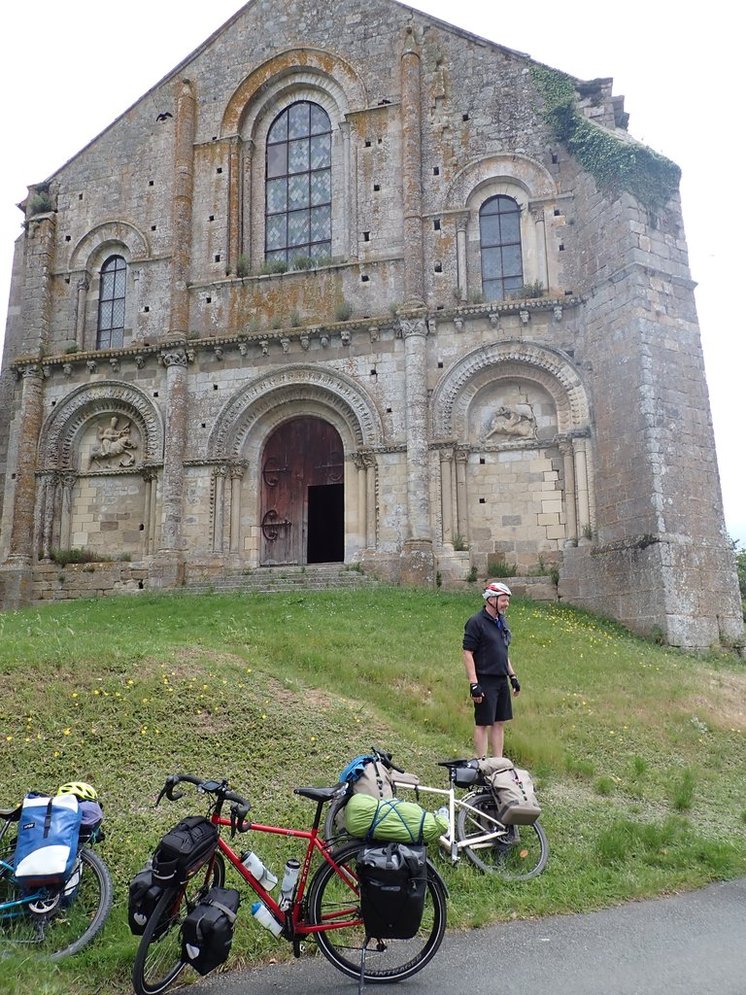


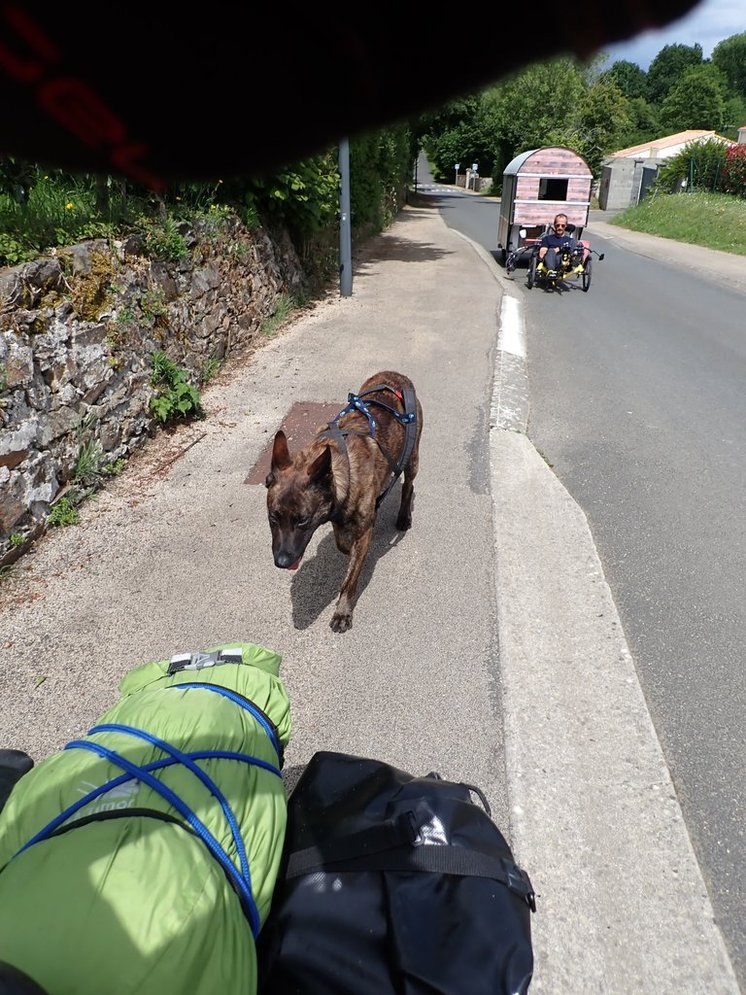


Day 9 – Champdeniers – Maillé – 68km – 368m climb
Tough day for no particular reason. Bit of a head wind and fairly wet.
Got Stevies gears fixed at a local bike shop in Niort.
Lunch was a French sandwich sitting in an underground car park hiding from the rain!
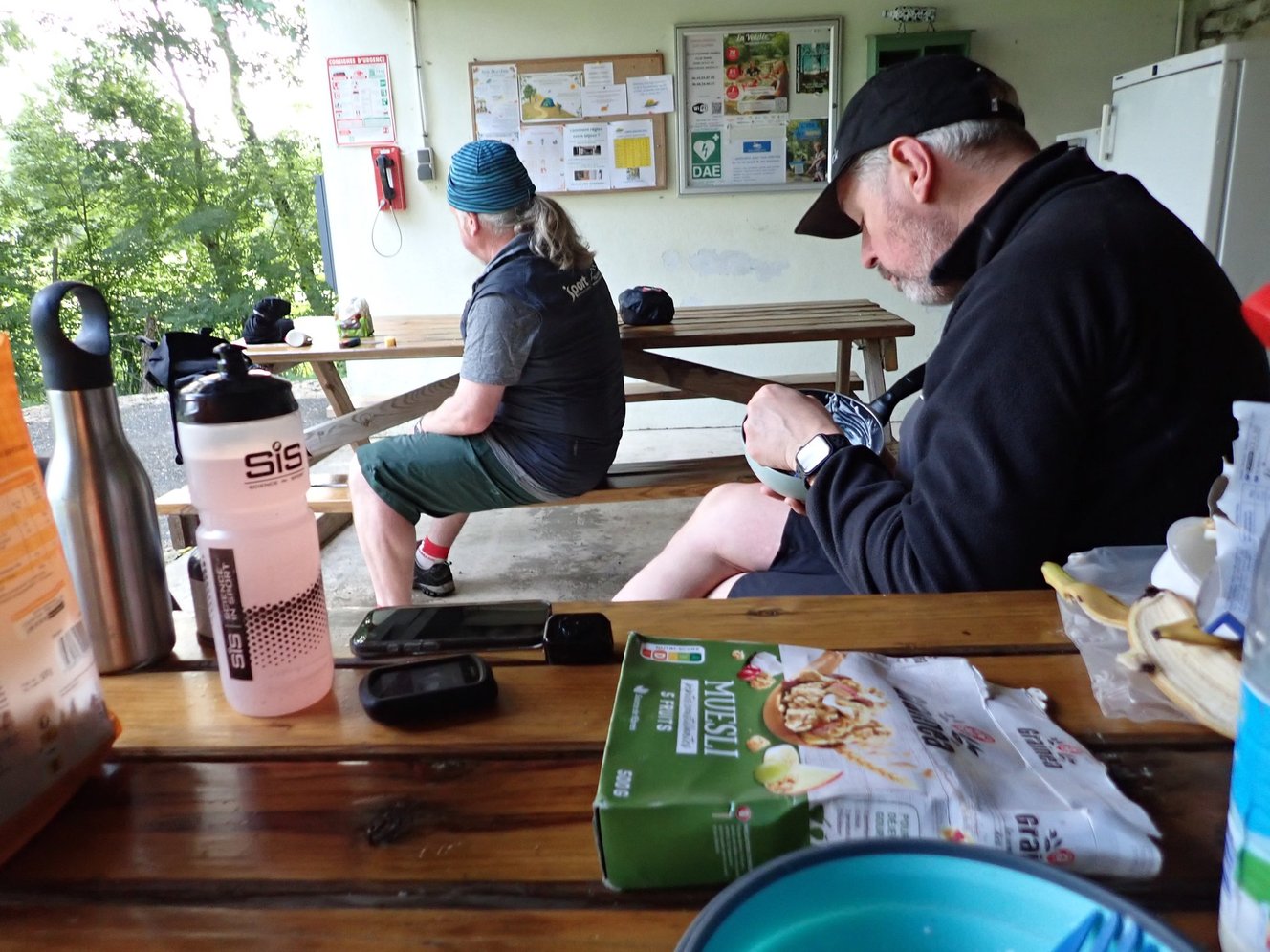
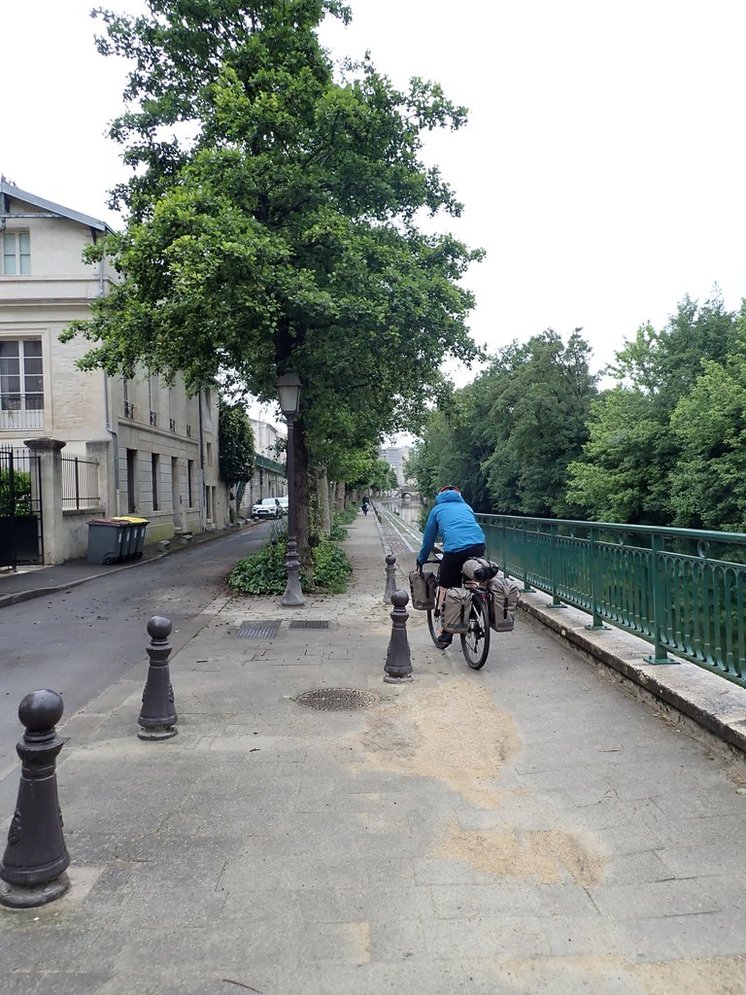
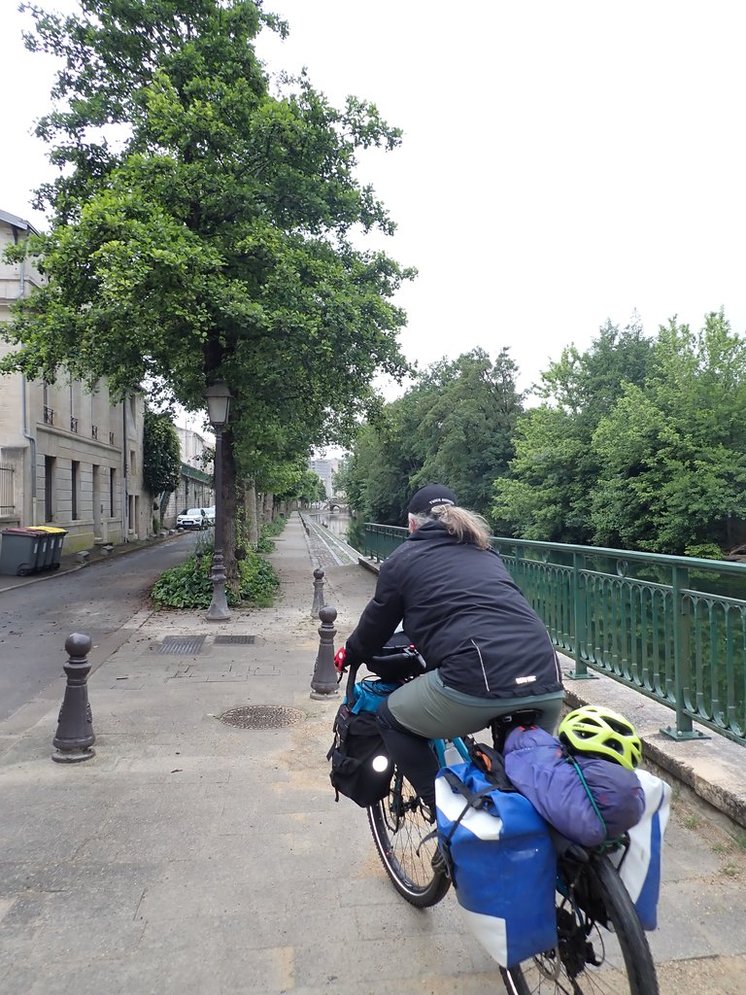
Camped slightly off route in a nice campsite although we struggled with route finding the next morning. The canal system is very impressive but you need to watch for dead end roads.


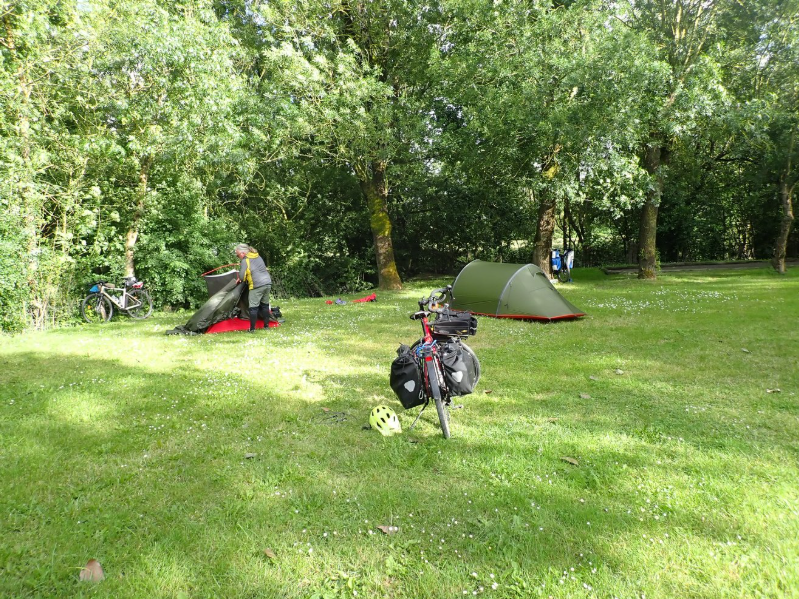
Day 10 – Maillé – La Rochelle – 52 km – 97m climb
Got an early start in and were in La Rochelle about lunch time, met Phil there.
Another great Camping au Municipal.


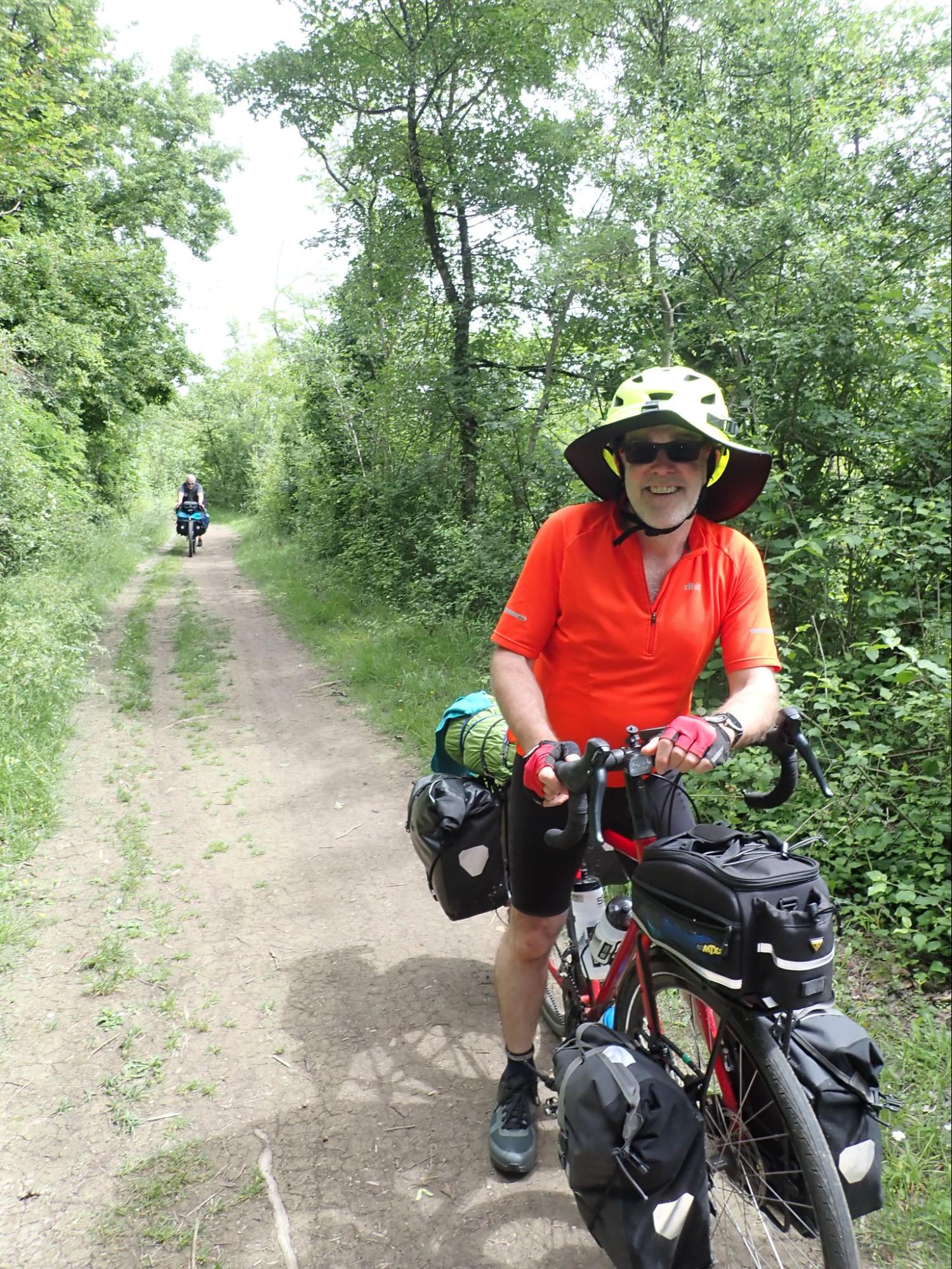
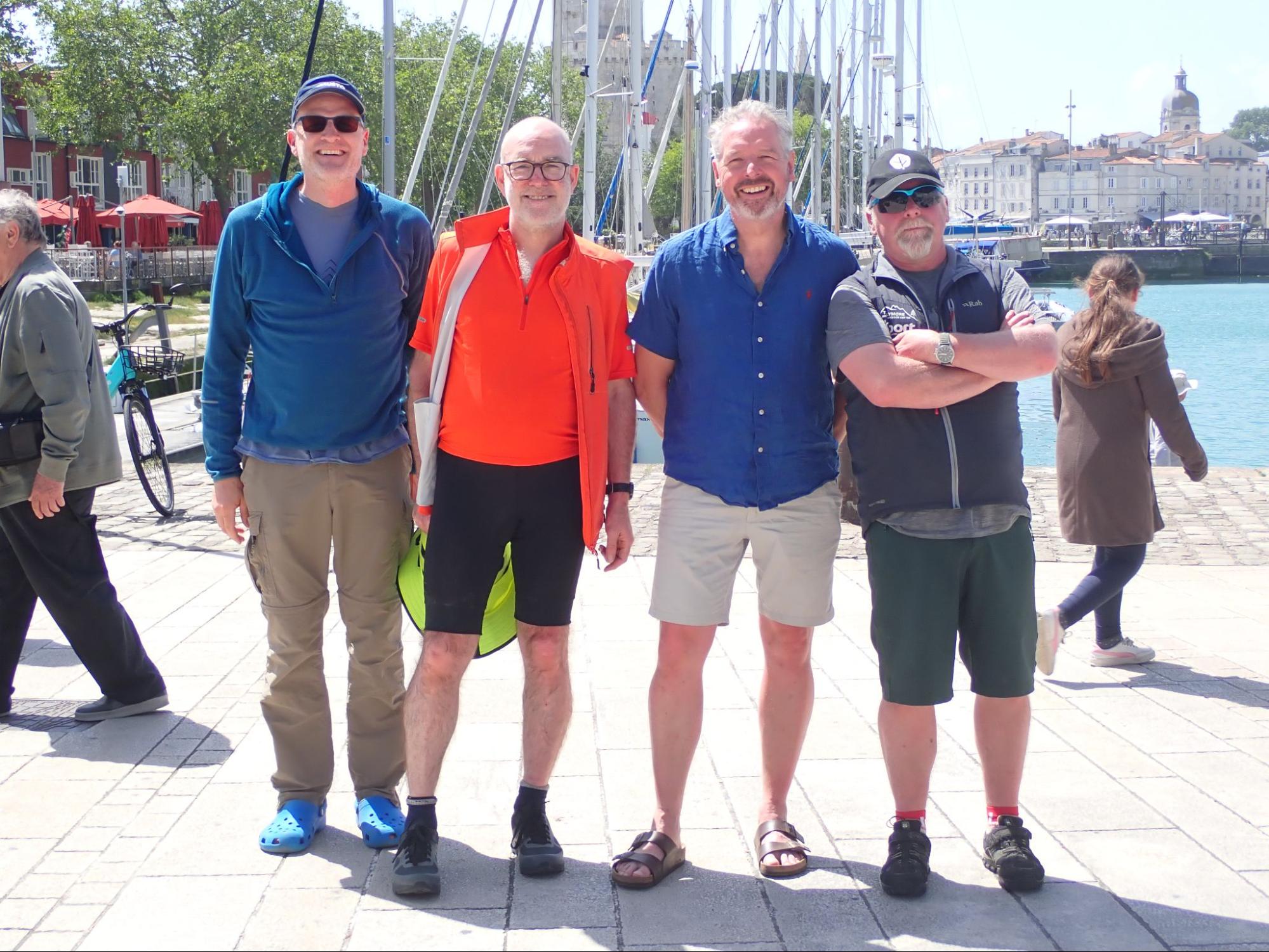

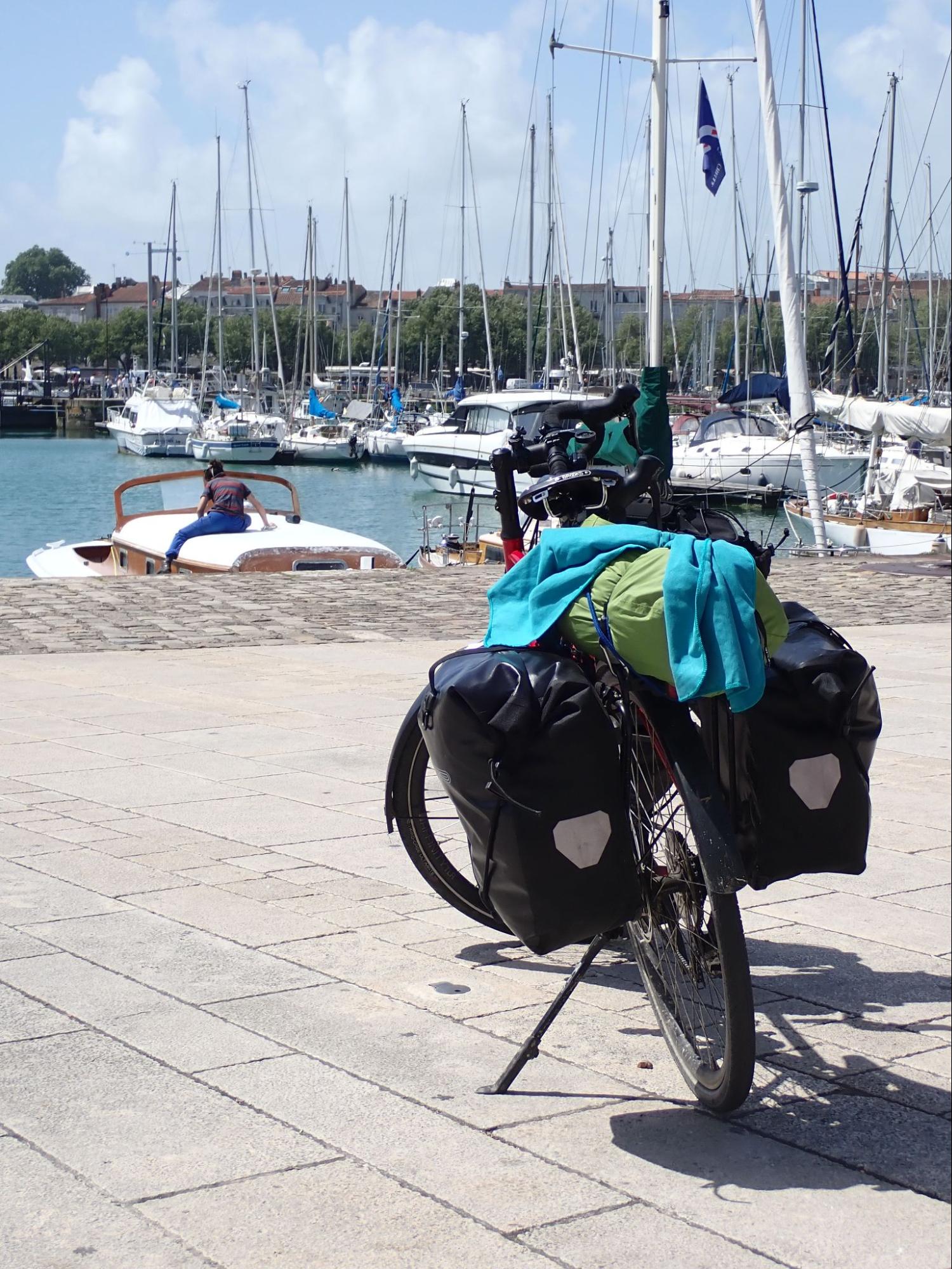
Day 11/12 – La Rochell and Journey Home
Andy and I had a rest day in La Rochelle and then travelled home on the train via Paris. Stevie cycled back up the coast to Roscoff and a ferry back to Ireland.


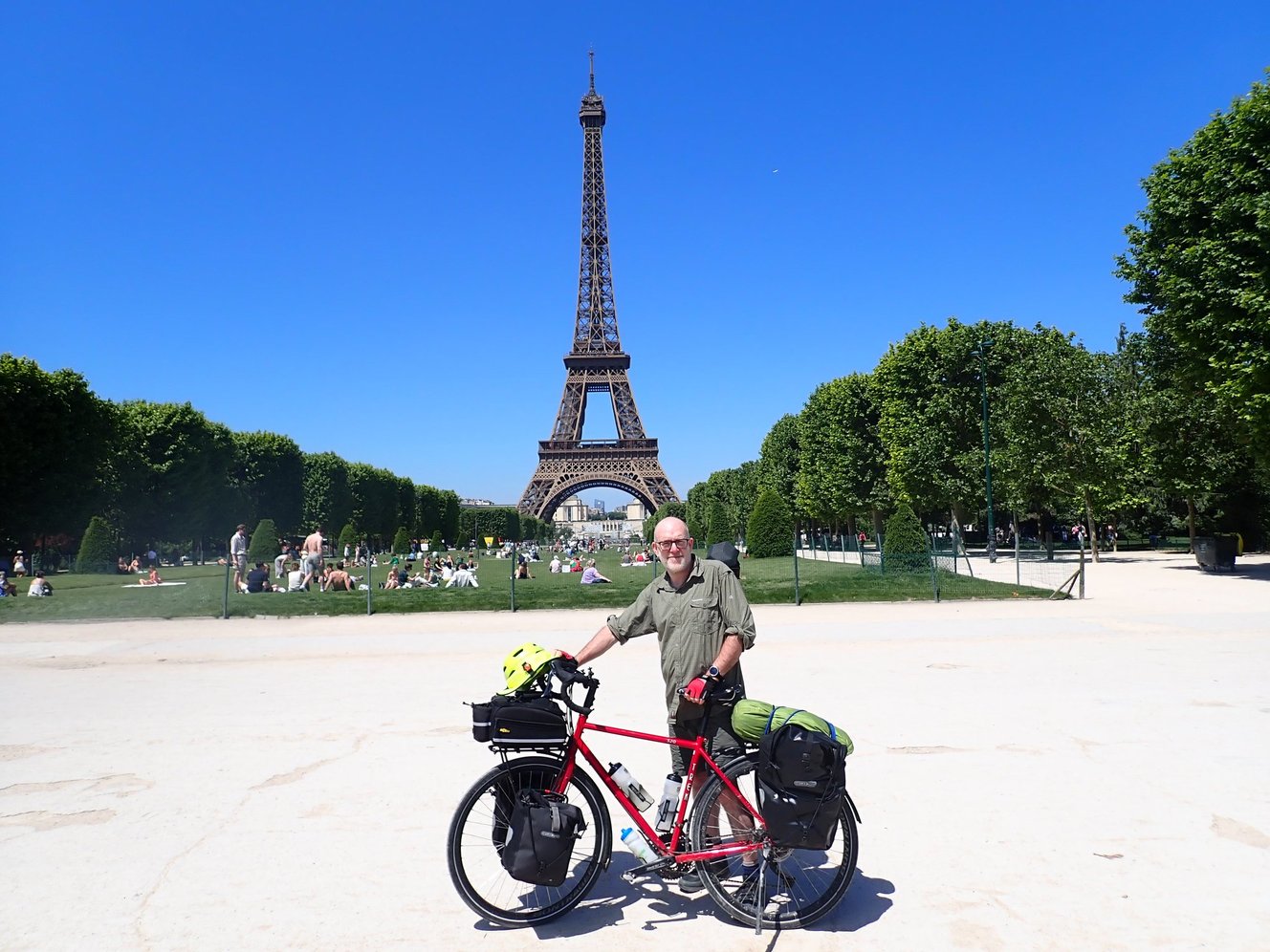
The train was fairly straight forward. There was some confusion as to whether a separate bicycle booking, in addition to your ticket showing a bicycle, was required. I am still unsure although it is required for the local TER trains.
Despite being booked on with bikes there were more bicycles on the train than bicycle storage spaces on the Paris – Caen leg but the staff seemed to expect this.
To be fair the train staff were very friendly and earlier had swapped us with a different passenger when we stored our bikes in the wrong carriage on the first leg.
We had deliberately timed our trains to give us 6 hours in Paris. Cycling in Paris was a bit mental but we enjoyed it very much. I had to cycle around the Champs-Élysées just to prove I have not aged in 25 years 🙂
Summary
A fantastic holiday. La Vélo Francette is a very straightforward cycle route that you can do fairly comfortably in 2 weeks. Between the start of May and high season there are lots of comfortable camping options so you probably will not need to book ahead, just find your own pace and see how you go.
Appendix – My Packing List
| Item | Quantity | Used ? | Take Again ? |
| Lightweight dry bags | 4 | yes | yes |
| Tent | 1 | yes | yes |
| Ground Sheet to protect tent | 1 | yes | yes |
| Sleeping Mat | 1 | yes | yes |
| Sleeping Bag | 1 | yes | yes |
| Sleeping Bag Liner | 1 | yes | yes |
| Bivi Bag | 1 | yes | yes |
| Midge net | 1 | No | yes |
| Deet | 1 | No | yes |
| Camera | 1 | yes | yes |
| Factor 50 Sun Cream | 1 | yes | yes |
| SPF Lip Balm | 1 | yes | yes |
| Stove | 1 | yes | yes |
| Lighter | 1 | yes | yes |
| Cooking oil ( v small bottle ) | 1 | yes | yes |
| Extra Pot | 1 | yes | yes |
| Camping Stool | 1 | No | No |
| Gas Cannister | 1 | yes | yes |
| Mug | 1 | yes | yes |
| Collapsible Bowl | 1 | yes | yes |
| Sporks | 2 | yes | yes |
| Washing up liquid – very small | 1 | yes | yes |
| Scrubber | 1 | yes | yes |
| 3 x water bottles | 1 | yes | yes |
| isotonic tablets | 1 | yes | yes |
| Breakfast cereals | 3 | yes | yes |
| Powdered Milk ? | 0 | No | yes |
| shower gel ( small refill bottle ) | 1 | yes | yes |
| toothpaste | 1 | yes | yes |
| small electric tooth brush | 1 | yes | yes |
| deoderant | 1 | yes | yes |
| Travel Wash for clothes | 1 | yes | yes |
| cycling shoes | 1 | yes | yes |
| Flip Flops | 1 | yes | yes |
| Skull cap for under helmet | 1 | yes | yes |
| Wooly hat | 1 | yes | yes |
| lightweight civi trousers | 1 | yes | yes |
| ciivi T shirts | 2 | yes | yes |
| Cycling Tops | 3 | yes | yes |
| Padded Cycling Shorts | 1 | yes | yes |
| Padded Cycling leggings | 1 | yes | yes |
| Simple Leggings ( Ron Hills ) | 1 | yes | yes |
| Down jacket | 1 | yes | yes |
| Light Fleece | 1 | yes | yes |
| light goretex jacket | 1 | yes | yes |
| light goretex trousers | 1 | yes | yes |
| socks | 4 | yes | yes |
| underwear | 2 | yes | yes |
| buff | 1 | No | yes |
| half cycling gloves | 1 | yes | yes |
| full cycling gloves | 1 | yes | yes |
| Gillet | 1 | yes | yes |
| batery pack | 1 | yes | yes |
| EU USB Mains Charger | 1 | yes | yes |
| ios lead | 1 | yes | yes |
| micro usb lead | 1 | yes | yes |
| usb c lead | 1 | yes | yes |
| Kindle | 1 | yes | yes |
| Garmin | 1 | yes | yes |
| front light | 1 | yes | yes |
| rear light | 1 | yes | yes |
| phone | 1 | yes | yes |
| head torch | 1 | yes | yes |
| spare tube | 1 | yes | yes |
| puncture patches | 1 | yes | yes |
| tyre levers | 2 | yes | yes |
| Travel Pliers | 1 | yes | yes |
| multi tool | 1 | yes | yes |
| front bag | 1 | yes | yes |
| panniers | 4 | yes | yes |
| Coffee granuales | 1 | yes | yes |
| lighter | 1 | yes | yes |
| Sun Glasses | 1 | yes | yes |
| bluetooth headset | 1 | No | yes |
| bank card | 1 | yes | yes |
| driving licence | 1 | yes | yes |
| first aid kit | 1 | yes | yes |
| bike oil | 1 | yes | yes |
| spare spokes | 2 x 2 | yes | yes |
| spare cable | 0 | yes | Yes |
| carrier bags | 1 | yes | yes |
| Tooth pick packet | 1 | yes | yes |
| Travel towel | 1 | yes | yes |
| Baterry Powered Pump | 1 | yes | yes |
| Cafe lock | 1 | yes | yes |
| ear plugs | 1 | yes | yes |
| zip lock bags | 3 | yes | yes |
| tie wraps | 3 | yes | yes |
| tin opener ( via penknife ) | 1 | yes | yes |
| Watch charging cable | 1 | yes | yes |
| Cereal bars | 8 | yes | yes |










 the trip through Belfast was a bit stressful and I had to use pavements and stop quite a bit to avoid confusing traffic. Got a bit lost as a result too.













 From the ferry we cycled @30km into Amsterdam. There is a well marked cycle route although we may have gotten lost for a while 🙂

 He forgot ….


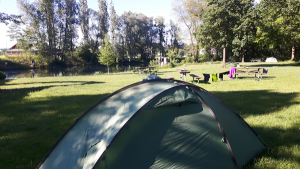




 The kids were still in good form and we’re flying along. John’s wheelies and